


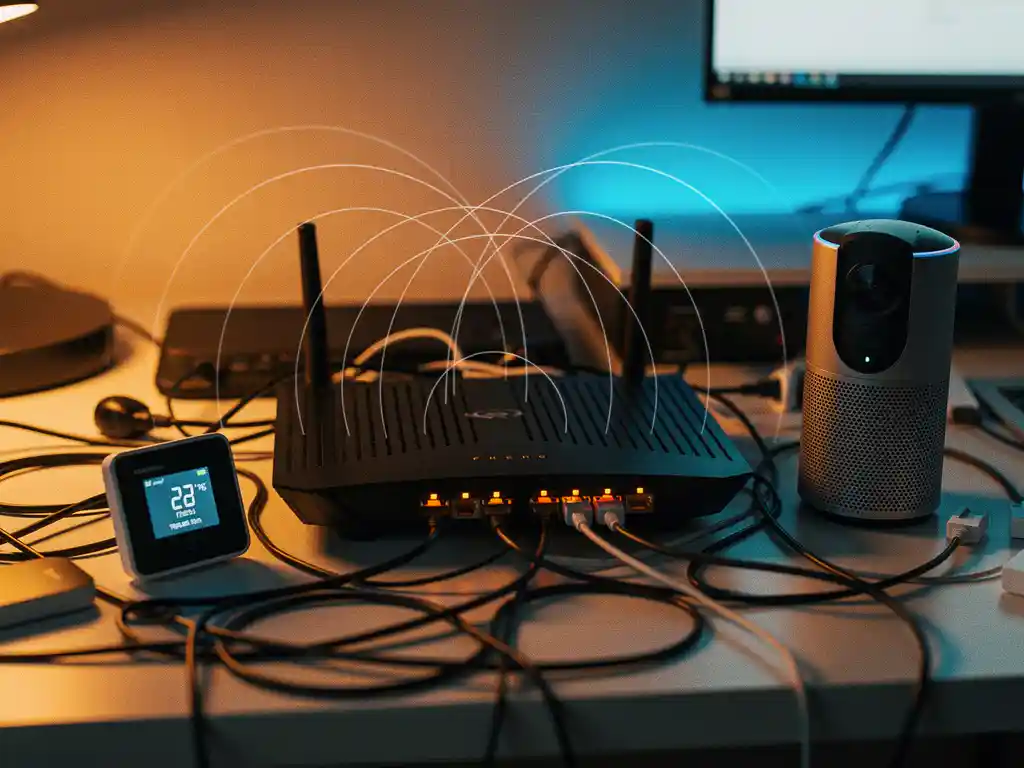
Modern smart homes are packed with connected devices that promise convenience and automation, but they can also create unexpected network challenges. With the average household now running dozens of Wi‑Fi-enabled gadgets simultaneously, many homeowners experience mysterious slowdowns, dropped connections, and dead zones that seem to appear out of nowhere.
Understanding how smart devices interact with your Wi‑Fi network is crucial for maintaining reliable connectivity throughout your home. When multiple devices compete for the same wireless channels and bandwidth, they can create interference patterns that significantly impact your internet performance.
What causes smart home devices to create Wi‑Fi interference?
Smart home devices create Wi‑Fi interference primarily through channel congestion and bandwidth competition. When multiple devices operate on the same or overlapping Wi‑Fi channels, they compete for airtime, causing signal degradation and reduced network performance throughout your home.
The 2.4 GHz frequency band, which many smart devices rely on, offers only three non-overlapping channels in most regions. This limited spectrum becomes crowded quickly when you add security cameras, smart speakers, thermostats, and other connected devices. Each device must wait its turn to transmit data, creating bottlenecks during peak usage periods.
Physical interference also plays a significant role. Smart devices with poor antenna design or inadequate shielding can generate electromagnetic noise that disrupts nearby Wi‑Fi signals. This is particularly problematic with cheaper IoT devices that prioritize cost over proper RF engineering.
Additionally, many smart home devices maintain constant background communication with cloud servers, creating persistent network traffic that consumes bandwidth even when you’re not actively using the devices. This continuous data exchange can slow down other network activities and create latency issues for time-sensitive applications.
Which smart home devices are most likely to cause Wi‑Fi problems?
Security cameras, video doorbells, and streaming devices cause the most Wi‑Fi interference due to their high bandwidth requirements and continuous data transmission. These devices often consume significant portions of your available network capacity, especially when streaming high-definition video content.
Smart speakers with always-listening capabilities can also create interference issues. Devices like Amazon Echo and Google Home maintain persistent connections to process voice commands and stream music, which can congest your network during heavy usage periods. When multiple smart speakers operate simultaneously, they can overwhelm older routers with limited processing power.
Mesh network extenders and Wi‑Fi repeaters, while designed to improve coverage, can actually worsen interference when improperly configured. These devices essentially broadcast duplicate signals, which can create confusion for connected devices and reduce overall network efficiency.
Smart lighting systems, particularly those using older protocols, tend to flood networks with status updates and control messages. Philips Hue bridges and similar hub-based systems can generate hundreds of small data packets per minute, creating network chatter that impacts performance for other devices.
How do you identify whether smart devices are causing your Wi‑Fi issues?
Monitor your network performance before and after connecting new smart devices to identify interference patterns. Use your router’s admin interface or Wi‑Fi analyzer apps to check signal strength, channel utilization, and connected device lists when you experience connectivity problems.
Start by conducting a baseline speed test when all smart devices are disconnected from your network. Then systematically reconnect devices one by one while running periodic speed tests to identify which specific devices cause performance drops. This process helps pinpoint problematic devices that may need reconfiguration or replacement.
Check your router’s device management page to identify bandwidth-heavy devices. Most modern routers display real-time data usage by device, allowing you to spot which smart home gadgets are consuming excessive bandwidth or generating unusual traffic patterns.
Physical symptoms can also indicate device-related interference. If Wi‑Fi problems occur in specific rooms or at particular times of day, consider which smart devices are active in those areas or during those periods. Intermittent connectivity issues often correlate with automated device activities like security camera recording or smart thermostat updates.
What’s the best way to prevent smart home Wi‑Fi interference?
Implement proper channel management and device segregation to prevent smart home Wi‑Fi interference. Use 5 GHz networks for high-bandwidth devices, dedicate 2.4 GHz channels to IoT devices, and configure Quality of Service settings to prioritize critical network traffic over background device communication.
Start by upgrading to a dual-band or tri-band router that can handle multiple device categories simultaneously. Assign bandwidth-intensive devices like security cameras and streaming devices to the less congested 5 GHz band, while keeping simple IoT devices like sensors and smart switches on 2.4 GHz.
Create separate network segments for different device types using VLANs or guest networks. This approach isolates smart home traffic from your primary devices, preventing IoT device chatter from affecting laptops, phones, and other performance-critical equipment. Many routers now offer dedicated IoT network options specifically designed for this purpose.
Regularly update device firmware and router software to ensure optimal performance and security. Manufacturers frequently release updates that improve Wi‑Fi efficiency and reduce interference issues. Schedule automatic updates where possible, or establish a monthly maintenance routine to check for available improvements.
Hoe IMPLI-CIT helpt met Wi‑Fi-interferentieoplossingen
Wij zijn gespecialiseerd in het identificeren en oplossen van complexe netwerkproblemen, waaronder Wi‑Fi-interferentie veroorzaakt door smart-homeapparaten. Onze ervaren technici kunnen bij u op locatie langskomen om uw netwerkinfrastructuur te analyseren en geoptimaliseerde oplossingen te implementeren.
Onze aanpak omvat:
- Uitgebreide netwerkanalyse om interferentiebronnen te identificeren
- Professionele configuratie van routers en access points
- Implementatie van gesegmenteerde netwerken voor optimale prestaties
- 24/7 ondersteuning bij kritieke netwerkproblemen
- Proactieve monitoring en onderhoud van uw IT-infrastructuur
Of u nu een klein kantoor bent met enkele smart devices of een grote organisatie met complexe IoT-implementaties, wij bieden op maat gemaakte oplossingen die uw netwerkprestaties optimaliseren. Neem contact met ons op voor een gratis netwerkanalyse en ontdek hoe wij uw Wi‑Fi-interferentieproblemen kunnen oplossen.
[seoaic_faq][{“id”:0,”title”:”How many smart devices can my Wi-Fi network handle before performance degrades?”,”content”:”Most modern dual-band routers can support 50-100 smart devices, but performance depends more on device activity than total count. High-bandwidth devices like security cameras count as 10-20 simple IoT sensors in terms of network impact. Monitor your router’s CPU usage and available bandwidth rather than just device count to determine your network’s capacity limits.”},{“id”:1,”title”:”Should I use a mesh network system or upgrade my single router for better smart home performance?”,”content”:”Mesh systems work better for large homes with coverage issues, while a single high-quality tri-band router often performs better in smaller spaces with many devices. If your current router covers your entire home adequately, upgrading to a more powerful single router typically provides better performance and easier management than adding mesh nodes.”},{“id”:2,”title”:”Can smart home devices interfere with each other even when they’re not Wi-Fi connected?”,”content”:”Yes, devices using Zigbee, Z-Wave, or Bluetooth can create interference with Wi-Fi networks and each other. Zigbee operates on the same 2.4 GHz frequency as Wi-Fi, while poorly shielded devices can generate electromagnetic interference regardless of their connection method. Keep different wireless protocols physically separated when possible.”},{“id”:3,”title”:”What’s the difference between dedicating devices to 2.4 GHz vs 5 GHz bands?”,”content”:”Use 5 GHz for bandwidth-intensive devices like cameras and streaming devices since it offers more channels and faster speeds. Reserve 2.4 GHz for simple IoT devices like sensors and smart switches that need longer range and better wall penetration. This separation prevents high-bandwidth devices from overwhelming the more congested 2.4 GHz band.”},{“id”:4,”title”:”How do I set up Quality of Service (QoS) rules for smart home devices?”,”content”:”Access your router’s QoS settings and create device categories with priority levels: high priority for computers and phones, medium for streaming devices, and low for IoT sensors and background services. Set bandwidth limits for devices like security cameras to prevent them from consuming all available bandwidth during peak usage periods.”},{“id”:5,”title”:”What should I do if my smart devices keep disconnecting from Wi-Fi randomly?”,”content”:”Check for power management settings that put devices to sleep, update device firmware, and ensure your router isn’t overheating or overloaded. Many IoT devices disconnect when they can’t maintain stable connections due to weak signals or network congestion. Consider moving devices closer to access points or adding a dedicated IoT network with stronger signal coverage.”},{“id”:6,”title”:”Are there specific router brands or models that work better with smart home setups?”,”content”:”Look for tri-band routers with dedicated IoT network features, strong processors (quad-core preferred), and at least Wi-Fi 6 support. Brands like ASUS, Netgear, and Ubiquiti offer models specifically designed for high device counts. More important than brand is ensuring the router has sufficient processing power and memory to handle multiple simultaneous connections without performance degradation.”}][/seoaic_faq]