


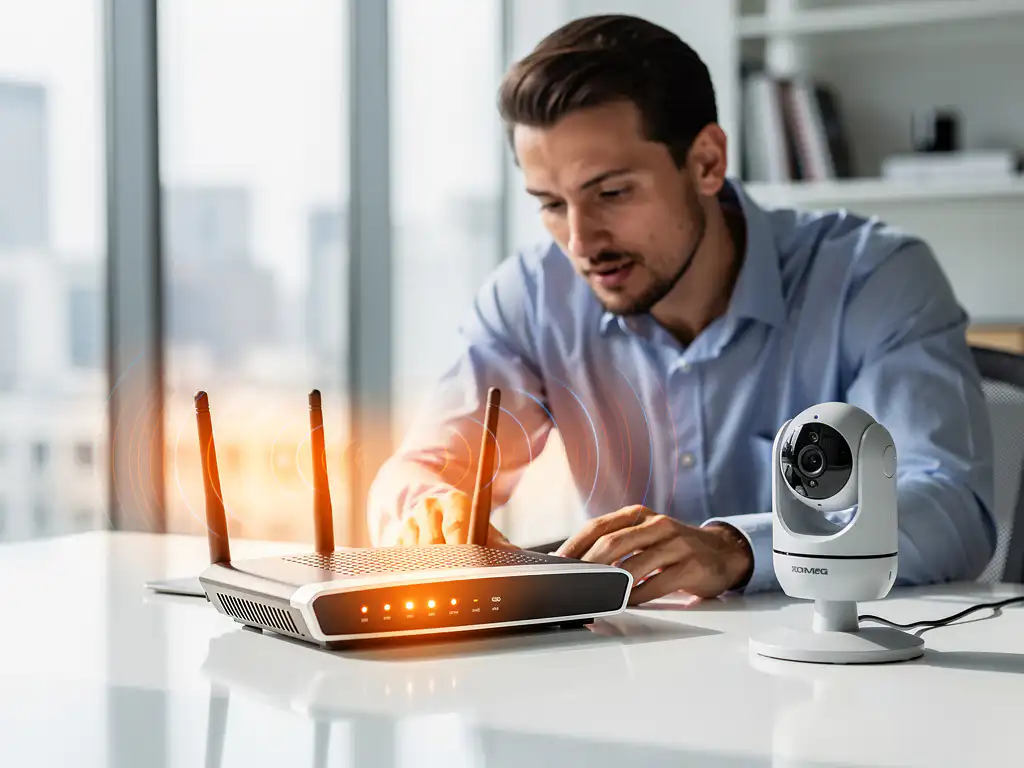
Modern businesses rely heavily on both robust security systems and stable Wi-Fi networks to maintain operations. However, these two critical infrastructure components don’t always work well together. When security cameras, access control systems, or alarm networks start interfering with your Wi-Fi connection, it can create serious operational challenges that affect productivity and the customer experience.
Understanding the relationship between security systems and Wi-Fi interference is essential to maintaining reliable network performance. Let’s explore the common causes, identification methods, and practical solutions for resolving these connectivity conflicts.
Can Security Systems Actually Interfere With Wi-Fi Networks?
Yes, security systems can definitely interfere with Wi-Fi networks, primarily through radio-frequency conflicts and bandwidth competition. Security cameras, wireless alarm systems, and access control devices often operate on the same 2.4 GHz frequency band as many Wi-Fi networks, creating signal overlap that degrades performance for both systems.
The interference typically manifests in several ways. Wireless security cameras streaming high-definition video can consume significant bandwidth, slowing down other network activities. Motion sensors and door sensors that communicate wirelessly may cause intermittent connectivity drops when they transmit bursts of data. Additionally, poorly shielded security equipment can generate electromagnetic interference that disrupts nearby Wi-Fi signals.
The severity of Wi-Fi interference depends on factors such as device proximity, the number of security components, signal strength, and whether both systems use overlapping frequencies. In dense installations with multiple security cameras and sensors, the cumulative effect can severely affect network reliability and speed.
What Types of Security Systems Cause the Most Wi-Fi Problems?
Wireless security cameras cause the most significant Wi-Fi interference issues due to their continuous, high-bandwidth video-streaming requirements. IP cameras, especially those transmitting 4K or high-definition footage, can consume substantial network resources and create persistent signal conflicts when operating on congested frequency bands.
Wireless alarm systems with multiple sensors represent another major source of interference. These systems typically include door sensors, window sensors, motion detectors, and control panels that communicate via radio frequencies. When dozens of sensors operate simultaneously, they can create a mesh of competing signals that disrupts Wi-Fi performance.
Access control systems with wireless card readers and electronic locks can also contribute to interference problems. These devices frequently communicate with central controllers, sending authentication data and status updates that can conflict with Wi-Fi traffic. Smart home security systems that integrate multiple wireless components often compound these issues by operating various devices within similar frequency ranges.
Older security equipment tends to cause more interference problems than newer systems designed with better frequency management and signal-isolation capabilities.
How Do You Know if Security Systems Are Causing Your Wi-Fi Issues?
You can identify security-system Wi-Fi interference by monitoring network performance changes that correlate with security-system activity and by conducting systematic elimination tests. Common symptoms include sudden speed drops during peak camera-recording times, intermittent connectivity losses near security equipment, and degraded Wi-Fi performance in areas with a high density of security devices.
Start by documenting when Wi-Fi problems occur most frequently. If issues coincide with security camera recording schedules, motion-detection events, or alarm-system testing periods, this suggests interference. Use Wi-Fi analyzer apps to scan for competing signals and identify frequency conflicts between your network and security devices.
Perform isolation tests by temporarily disabling security-system components one at a time while monitoring Wi-Fi performance. If network speed and stability improve when specific security devices are offline, you’ve identified the source of the interference. Physical proximity testing also helps—Wi-Fi problems that worsen near security equipment typically indicate interference.
Network monitoring tools can reveal bandwidth-consumption patterns that point to security-system interference. Look for unexpected data-usage spikes, increased latency during security-system operations, and signal-strength variations in areas with security equipment.
What’s the Best Way to Fix Wi-Fi Interference From Security Systems?
The most effective way to fix Wi-Fi interference from security systems is to implement frequency separation by moving your Wi-Fi network to the 5 GHz band while keeping security systems on 2.4 GHz, or by using dedicated network infrastructure for security equipment. This approach eliminates direct frequency conflicts and gives each system dedicated bandwidth.
Configure your security cameras and wireless devices to use specific channels that don’t overlap with your Wi-Fi network. Most modern routers support automatic channel selection, but manual configuration often produces better results. Choose Wi-Fi channels 1, 6, or 11 on the 2.4 GHz band, as these don’t overlap with one another.
Consider upgrading to wired connections for high-bandwidth security cameras when possible. Ethernet connections eliminate wireless interference entirely while providing more reliable data transmission for critical security footage. For locations where wiring isn’t feasible, powerline adapters can provide wired-equivalent performance using existing electrical infrastructure.
Implement Quality of Service (QoS) settings on your network equipment to prioritize critical traffic and manage bandwidth allocation between security systems and general network use. This ensures essential operations maintain performance even when security systems are active.
Strategic equipment placement can also reduce interference. Position Wi-Fi routers and access points away from security-system control panels and wireless cameras. Use directional antennas to focus Wi-Fi signals away from security equipment.
How IMPLI-CIT Helps With Wi-Fi Interference Issues
We specialize in resolving complex IT infrastructure challenges, including Wi-Fi interference caused by security systems. Our experienced technicians provide comprehensive solutions to ensure both your security and network systems operate at peak performance without conflicts.
Our approach includes:
- Complete site surveys to identify interference sources and frequency conflicts
- Professional network optimization and channel configuration
- Strategic equipment placement and infrastructure upgrades
- 24/7 monitoring and rapid response for connectivity issues
- Integration planning for new security systems to prevent future interference
With our global coverage and directly employed technicians, we ensure consistent service quality across all your locations. Our team holds comprehensive certifications and follows strict security protocols, making us the ideal partner for businesses that require reliable IT infrastructure.
Don’t let Wi-Fi interference compromise your operations. Contact us today to schedule a comprehensive assessment and discover how we can optimize your network performance while maintaining robust security-system functionality.
[seoaic_faq][{“id”:0,”title”:”How much bandwidth do security cameras typically consume, and will this slow down my internet?”,”content”:”HD security cameras typically use 2-10 Mbps per camera, while 4K cameras can consume 15-25 Mbps each. Multiple cameras can significantly impact internet speed, especially on slower connections. Consider upgrading your internet plan or implementing local storage solutions to reduce bandwidth consumption.”},{“id”:1,”title”:”Can I use a separate router just for my security system to avoid interference?”,”content”:”Yes, creating a dedicated network for security systems is an excellent solution. Use a separate router or VLAN to isolate security traffic from your main network. This prevents bandwidth competition and reduces interference while improving both security and network performance.”},{“id”:2,”title”:”What should I do if I can’t run ethernet cables for my security cameras?”,”content”:”Consider powerline adapters that use existing electrical wiring, mesh network extenders positioned strategically, or upgrading to newer wireless cameras with better frequency management. You can also implement a hybrid approach using ethernet where possible and optimized wireless connections for remaining cameras.”},{“id”:3,”title”:”How do I know which Wi-Fi channel is best for my network when I have security systems?”,”content”:”Use a Wi-Fi analyzer app to scan for the least congested channels in your area. For 2.4 GHz networks, stick to channels 1, 6, or 11. If possible, move your main Wi-Fi to 5 GHz (channels 36, 44, 149, or 157) while keeping security systems on 2.4 GHz to eliminate overlap.”},{“id”:4,”title”:”Will upgrading to Wi-Fi 6 solve my security system interference problems?”,”content”:”Wi-Fi 6 can help reduce interference through better channel management and improved efficiency, but it won’t eliminate all issues if security systems still operate on the same frequencies. The biggest benefit comes from Wi-Fi 6’s ability to handle more devices simultaneously and manage bandwidth more effectively.”},{“id”:5,”title”:”What’s the minimum distance I should maintain between my router and security equipment?”,”content”:”Maintain at least 6-10 feet between your Wi-Fi router and wireless security equipment when possible. For high-power security devices like NVRs or wireless hubs, increase this to 15-20 feet. Use physical barriers or directional antennas to further reduce interference in constrained spaces.”},{“id”:6,”title”:”How can I test if my security system improvements actually fixed the Wi-Fi interference?”,”content”:”Run speed tests before and after changes, monitor network performance during peak security system activity, and use Wi-Fi analyzer apps to check signal strength and interference levels. Document performance over several days to ensure improvements are consistent, not just temporary.”}][/seoaic_faq]