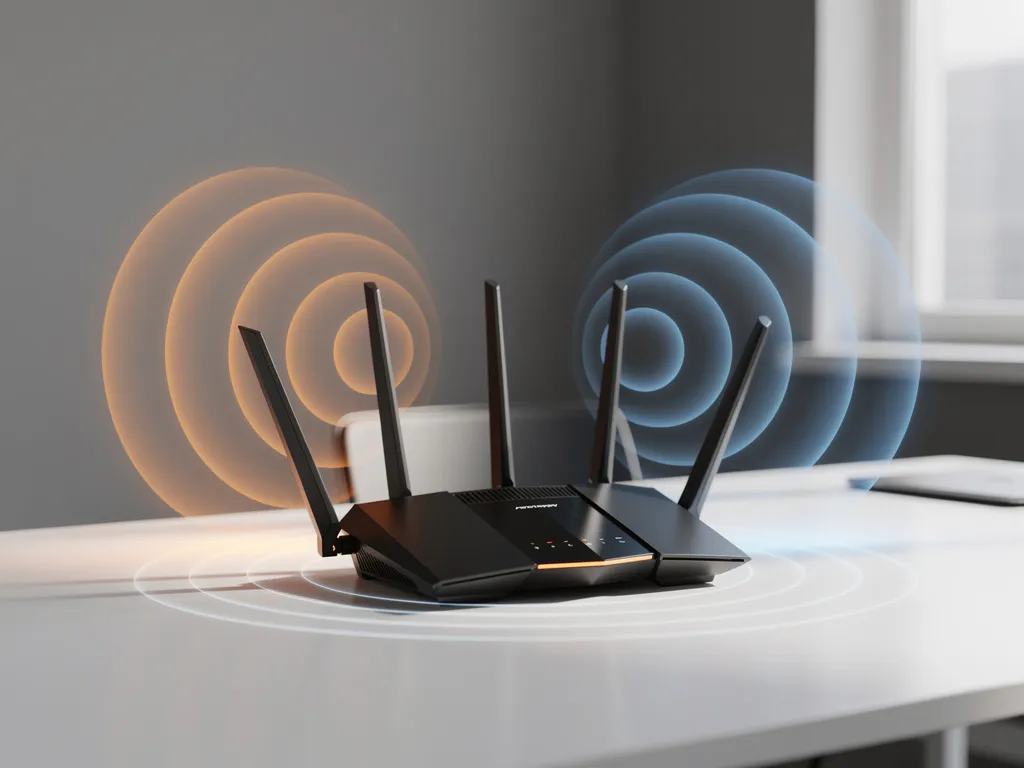
Wi-Fi interference can turn a perfectly functioning network into a source of constant frustration, causing dropped connections, slow speeds, and productivity losses. Understanding which frequency bands are most susceptible to interference is crucial for maintaining reliable wireless connectivity in business environments.
Different Wi-Fi frequency bands face varying levels of interference from common household and office devices, environmental factors, and other wireless networks. By identifying these interference patterns, you can make informed decisions about network configuration and troubleshooting strategies.
What Frequency Bands Do Wi-Fi Networks Use and Why Does It Matter?
Modern Wi-Fi networks operate primarily on two frequency bands: 2.4 GHz and 5 GHz, with newer devices also supporting 6 GHz. The 2.4 GHz band offers longer range but fewer channels, while 5 GHz provides more channels and higher speeds over shorter distances.
The frequency band choice significantly impacts network performance because each band has different characteristics regarding range, penetration, and susceptibility to interference. The 2.4 GHz band uses only three non-overlapping channels (1, 6, and 11), making it more crowded in dense environments. In contrast, the 5 GHz band offers dozens of channels, reducing congestion but with limited range through walls and obstacles.
Understanding these fundamental differences helps explain why certain environments experience more Wi-Fi interference than others and guides strategic decisions about network deployment and optimization.
Which Wi-Fi Band Experiences More Interference: 2.4 GHz or 5 GHz?
The 2.4 GHz band experiences significantly more Wi-Fi interference than 5 GHz due to its widespread use by non-Wi-Fi devices and limited channel availability. This frequency range is shared with microwaves, Bluetooth devices, baby monitors, and many industrial applications.
Several factors make 2.4 GHz more prone to interference. First, the band provides only three non-overlapping channels, creating inevitable conflicts in areas with multiple networks. Second, many household and office devices operate in this same frequency range, including cordless phones, garage door openers, and medical equipment. Third, 2.4 GHz signals travel farther and penetrate walls better, meaning interference sources can affect networks from greater distances.
The 5 GHz band faces less interference because fewer devices operate in this range, and it offers many more channels for networks to use. However, 5 GHz signals have shorter range and reduced wall penetration, which can create coverage gaps requiring additional access points.
What Devices and Sources Cause the Most Wi-Fi Interference?
Microwave ovens, Bluetooth devices, and wireless security cameras are among the most common sources of Wi-Fi interference, particularly affecting 2.4 GHz networks. These devices operate in the same frequency spectrum and can disrupt wireless communications when active.
Common interference sources include:
- Microwave ovens, which emit strong 2.4 GHz radiation when heating food
- Bluetooth speakers, headphones, and keyboards that share the 2.4 GHz band
- Wireless security cameras and baby monitors operating on 2.4 GHz
- Cordless phones, particularly older models using 2.4 GHz technology
- USB 3.0 devices and cables that can generate electromagnetic interference
- Fluorescent lights and LED fixtures with poor electromagnetic shielding
- Other Wi-Fi networks in close proximity, especially in apartment buildings or office complexes
Physical barriers also contribute to interference patterns. Metal objects, concrete walls, and large appliances can reflect or absorb Wi-Fi signals, creating dead zones and signal degradation that mimics interference effects.
How Can You Identify Wi-Fi Interference in Your Network?
Network slowdowns at specific times, frequent disconnections, and inconsistent signal strength indicate potential Wi-Fi interference. Professional Wi-Fi analyzers and smartphone apps can reveal interference sources by showing channel usage and signal conflicts in real time.
Key indicators of interference include intermittent connectivity issues that worsen at certain times of day, such as when microwaves are used during lunch breaks. Signal strength that fluctuates dramatically without moving devices also suggests interference from nearby sources.
Diagnostic tools help pinpoint interference sources:
- Wi-Fi analyzer software that displays channel congestion and overlapping networks
- Signal strength monitoring to identify patterns of degradation
- Spectrum analyzers for professional environments requiring detailed interference mapping
- Network performance testing during different times and conditions
Simple troubleshooting steps include temporarily turning off suspected interference sources to see whether network performance improves, testing connectivity in different areas of the building, and monitoring performance at various times of day.
What Are the Best Solutions for Reducing Wi-Fi Interference?
Switching to the 5 GHz band, optimizing channel selection, and relocating access points away from interference sources provide the most effective ways to reduce Wi-Fi interference. Strategic network configuration and proper equipment placement can eliminate most interference issues.
Immediate solutions include changing Wi-Fi channels to avoid congested frequencies, particularly by using channels 1, 6, or 11 on 2.4 GHz networks. Upgrading to dual-band routers allows devices to automatically select the cleaner 5 GHz band when available.
Physical solutions involve relocating Wi-Fi equipment away from known interference sources like microwaves and fluorescent lights. Positioning access points in central, elevated locations with minimal obstructions improves signal quality and reduces the impact of interference.
Advanced strategies include implementing enterprise-grade access points with better interference rejection, using directional antennas to focus signals where needed, and deploying mesh networks to provide consistent coverage without relying on single points of failure.
Hoe IMPLI-CIT helpt met Wi-Fi-interferentieoplossingen
We understand that Wi-Fi interference can severely impact business operations, causing productivity losses and frustrating employees across multiple locations. Our experienced Field Engineers and Data Center Specialists provide comprehensive Wi-Fi interference solutions that address both immediate problems and long-term network optimization.
Our approach to resolving Wi-Fi interference includes:
- Professional site surveys to identify interference sources and coverage gaps
- Strategic access point placement and configuration optimization
- Channel analysis and frequency planning for multi-site deployments
- 24/7 monitoring and rapid response to interference-related issues
- Hardware upgrades and network infrastructure improvements
With our global coverage and directly employed technicians, we ensure consistent service quality across all your business locations. Our team holds the appropriate certifications and security clearances, making us a trusted extension of your internal IT team. Contact us today to discuss how we can eliminate Wi-Fi interference issues and optimize your wireless network performance.
Frequently Asked Questions
How do I know if my Wi-Fi problems are caused by interference or equipment failure?
Interference typically causes intermittent issues that worsen at specific times or locations, while equipment failure usually results in consistent problems. If your Wi-Fi works fine at 3 AM but struggles during business hours, or if moving closer to the router doesn't improve performance, interference is likely the culprit. Equipment failure, on the other hand, typically shows consistent symptoms regardless of time or location.
Can I use both 2.4 GHz and 5 GHz bands simultaneously to reduce interference?
Yes, dual-band routers allow you to run both frequencies simultaneously, and many modern devices can automatically switch between bands based on signal quality and interference levels. You can also manually assign bandwidth-heavy devices like streaming devices to the 5 GHz band while keeping IoT devices on 2.4 GHz to optimize performance across your network.
What's the best way to position my router to minimize interference from household appliances?
Place your router at least 6 feet away from microwaves, baby monitors, and other 2.4 GHz devices. Position it centrally and elevated (like on a shelf or mounted on a wall) rather than near the floor or inside cabinets. Avoid placing it near metal objects, mirrors, or in corners where signals can be reflected or absorbed.
How often should I check for Wi-Fi interference, and what tools should I use?
Check for interference monthly or whenever you notice performance issues using Wi-Fi analyzer apps like WiFi Explorer (Mac) or WiFi Analyzer (Android). For business environments, consider quarterly professional assessments. These tools show channel congestion in real-time and help you identify the cleanest channels for optimal performance.
Will upgrading to Wi-Fi 6 or Wi-Fi 6E solve my interference problems?
Wi-Fi 6E, which includes access to the 6 GHz band, significantly reduces interference since this frequency range is currently less crowded. However, both your router and devices must support Wi-Fi 6E to benefit. Standard Wi-Fi 6 improves efficiency on existing bands but doesn't eliminate interference from other 2.4 GHz and 5 GHz devices.
What should I do if my neighbor's Wi-Fi network is interfering with mine?
Start by changing your Wi-Fi channel to one that doesn't overlap with your neighbor's network—use channels 1, 6, or 11 on 2.4 GHz, or switch to 5 GHz if possible. If the problem persists, consider upgrading to a more powerful router with better interference rejection, or politely discuss the issue with your neighbor to coordinate channel usage.
Are mesh networks better at handling Wi-Fi interference than traditional routers?
Mesh networks can better handle interference by automatically routing traffic through the clearest paths and switching between nodes when interference affects one access point. However, they don't eliminate interference sources—they simply provide more options for maintaining connectivity. Proper channel planning and interference source mitigation are still essential for optimal mesh network performance.
What frequency bands experience the most wifi interference?