


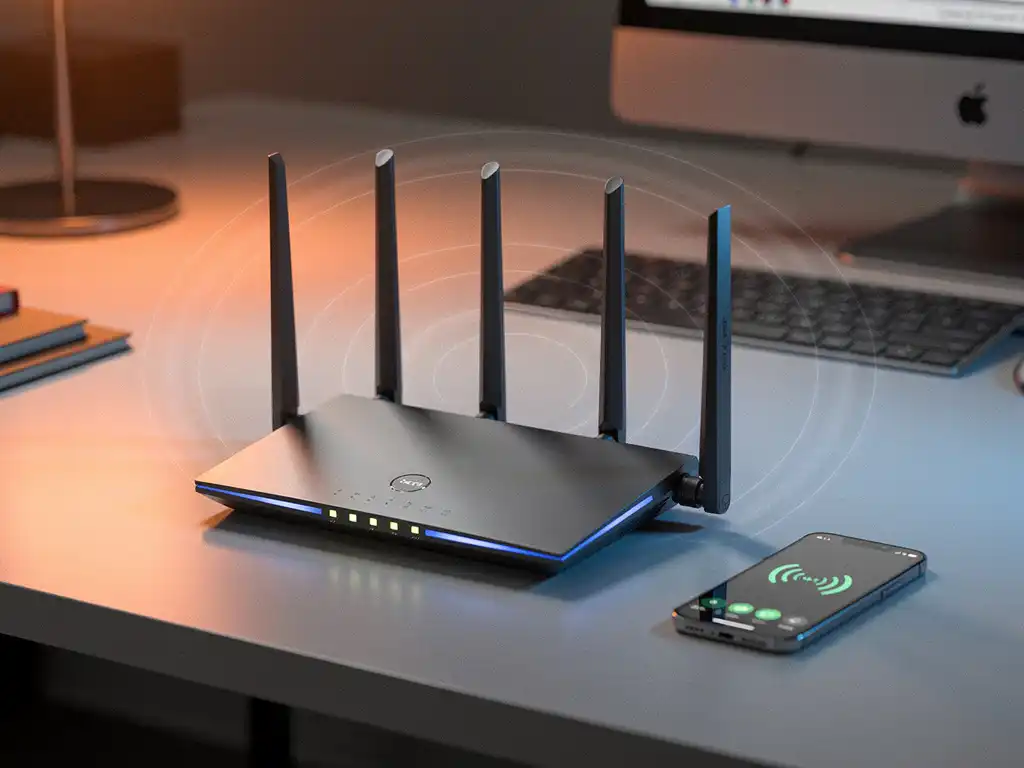
Wi-Fi interference can significantly impact your wireless network’s roaming performance, causing frustrating connectivity drops and slow handoffs between access points. When devices struggle to maintain seamless connections while moving through your workspace, Wi-Fi interference is often the hidden culprit disrupting smooth transitions between wireless access points.
Understanding how Wi-Fi interference affects roaming performance is crucial for maintaining reliable wireless connectivity in business environments. Poor roaming due to interference can lead to dropped video calls, interrupted file transfers, and reduced productivity across your organization.
What Is Wi-Fi Interference and How Does It Affect Roaming?
Wi-Fi interference occurs when external signals disrupt wireless communication between devices and access points, degrading signal quality and network performance. This interference directly impacts roaming by weakening the signal-strength measurements that devices use to determine when and where to switch between access points.
During normal roaming, devices continuously monitor signal strength from nearby access points and switch to stronger signals as they move through coverage areas. However, Wi-Fi interference corrupts these signal measurements, causing devices to make poor roaming decisions. Interference can mask stronger signals from nearby access points, forcing devices to remain connected to weaker, more distant ones.
The impact becomes particularly problematic in environments with overlapping coverage areas. When interference affects the handoff process, devices may experience connection drops, authentication delays, or a complete failure to associate with new access points. This results in temporary network outages that can last several seconds during critical transitions.
What Are the Most Common Sources of Wi-Fi Interference?
The most common sources of Wi-Fi interference include other wireless networks, Bluetooth devices, microwave ovens, and non-Wi-Fi electronic equipment operating in the same frequency bands as your wireless network.
Neighboring Wi-Fi networks represent the primary source of interference in most business environments. When multiple networks operate on the same or overlapping channels, they compete for airtime and create signal conflicts. This channel overlap is especially problematic in dense office buildings where dozens of networks may be broadcasting simultaneously.
Physical obstacles also contribute significantly to interference patterns. Metal structures, concrete walls, and large equipment can reflect Wi-Fi signals, creating multipath interference in which devices receive multiple versions of the same signal at slightly different times. This signal bouncing confuses roaming algorithms and delays handoff decisions.
Electronic devices operating in the 2.4 GHz band frequently cause interference issues. Microwave ovens, wireless security cameras, baby monitors, and industrial equipment can generate powerful signals that overwhelm Wi-Fi communications. Even LED lighting systems and wireless presentation devices can introduce interference that affects roaming performance.
How Does Interference Impact Different Types of Wireless Roaming?
Wi-Fi interference affects Layer 2 roaming, Layer 3 roaming, and fast-roaming protocols differently, with each experiencing distinct performance-degradation patterns based on their handoff mechanisms and timing requirements.
Layer 2 Roaming Impact
Layer 2 roaming suffers the most from interference because it relies heavily on signal-strength measurements for handoff decisions. When interference corrupts these measurements, devices may delay roaming until signal quality becomes critically poor, resulting in longer handoff times and potential connection drops.
Layer 3 Roaming Challenges
Layer 3 roaming experiences additional complications from interference because it involves IP address changes and routing updates. Interference-induced delays in the association process can extend the time required for DHCP negotiations and routing-table updates, creating longer periods of network unavailability.
Fast Roaming Protocol Effects
Fast-roaming protocols like 802.11r are designed to minimize handoff delays, but interference can still disrupt their pre-authentication and key-caching mechanisms. When interference affects the initial authentication exchange with target access points, devices may fall back to standard roaming procedures, negating the speed advantages these protocols provide.
What Are the Signs of Poor Roaming Due to Wi-Fi Interference?
Signs of poor roaming due to Wi-Fi interference include frequent connection drops while moving, slow application response times during location changes, and devices remaining connected to distant access points despite being near stronger ones.
Users typically notice these symptoms as intermittent connectivity issues that correlate with movement through the workspace. Video calls may freeze or drop when walking between conference rooms, file transfers may stall when moving from desk to desk, and web browsing may become sluggish in certain areas of the building.
Network monitoring tools often reveal specific patterns indicating interference-related roaming problems. These include high retry rates on wireless frames, increased association and disassociation events, and uneven client distribution across access points. Signal-strength measurements may show erratic fluctuations rather than smooth transitions between coverage areas.
Another clear indicator is the “sticky client” phenomenon, where devices remain connected to distant access points even when much closer ones are available. This behavior suggests that interference is masking stronger signals or disrupting the scanning process that devices use to discover better connection options.
How Can You Minimize Wi-Fi Interference to Improve Roaming Performance?
You can minimize Wi-Fi interference by conducting proper channel planning, adjusting access point power levels, implementing band steering, and physically relocating interference sources away from critical wireless coverage areas.
Channel planning is the most effective approach to reducing interference from other Wi-Fi networks. Use Wi-Fi analyzer tools to identify congested channels and configure your access points to operate on less crowded frequencies. In the 5 GHz band, use non-overlapping channels such as 36, 44, 52, and 60 to minimize conflicts with neighboring networks.
Power-level optimization helps reduce both interference generation and susceptibility. Lower power settings on access points reduce the coverage overlap that can cause roaming delays while also minimizing interference with distant networks. However, ensure adequate coverage remains for reliable connectivity throughout your workspace.
Physical separation of interference sources can dramatically improve roaming performance. Move microwave ovens, wireless cameras, and other electronic devices away from access points and primary coverage areas. When possible, schedule high-interference activities during off-peak hours to minimize the impact on business operations.
Regular spectrum analysis helps identify new interference sources as they appear in your environment. Monitor both the 2.4 GHz and 5 GHz bands to detect patterns that correlate with roaming problems, and adjust your wireless configuration accordingly to maintain optimal performance.
Hoe IMPLI-CIT helpt met Wi-Fi-interferentieproblemen
Wij bieden gespecialiseerde technische ondersteuning op locatie om Wi-Fi-interferentieproblemen op te lossen en roamingprestaties te optimaliseren. Onze gecertificeerde technici voeren grondige site surveys uit, implementeren channel-planningstrategieën en configureren access points voor optimale prestaties.
Onze aanpak omvat:
- Uitgebreide spectrumanalyse om interferentiebronnen te identificeren
- Professionele plaatsing van access points en optimalisatie van het zendvermogen
- Realtime monitoring en proactieve prestatieoptimalisatie
- 24/7 beschikbaarheid voor kritieke problemen met de draadloze infrastructuur
Met meer dan 20 jaar ervaring in IT-services zorgen wij ervoor dat uw draadloze netwerk optimaal functioneert, zonder interferentiegerelateerde roamingproblemen. Neem contact op om te ontdekken hoe wij uw Wi-Fi-prestaties kunnen verbeteren.
[seoaic_faq][{“id”:0,”title”:”How can I tell if interference is causing roaming issues versus other network problems?”,”content”:”Use a Wi-Fi analyzer to monitor signal strength patterns and spectrum usage while testing roaming behavior. If you see erratic signal fluctuations, high retry rates, or devices staying connected to distant access points despite stronger nearby signals, interference is likely the culprit. Network connectivity issues that occur consistently in specific locations or correlate with the operation of electronic equipment also indicate interference problems.”},{“id”:1,”title”:”What’s the best way to conduct a spectrum analysis to identify interference sources?”,”content”:”Perform spectrum analysis during different times of day and operational conditions using professional Wi-Fi analyzers like Ekahau or similar tools. Walk through your entire coverage area while monitoring both 2.4 GHz and 5 GHz bands, documenting signal patterns and noting any correlation with nearby electronic devices. Focus on areas where users report roaming problems and test during peak usage hours when interference is typically most severe.”},{“id”:2,”title”:”Should I disable 2.4 GHz entirely to avoid interference issues?”,”content”:”Disabling 2.4 GHz isn’t recommended for most environments as many IoT devices, legacy equipment, and some mobile devices still require it. Instead, implement band steering to push capable devices to 5 GHz while maintaining 2.4 GHz availability for devices that need it. Configure 2.4 GHz with lower power levels and careful channel planning to minimize interference while preserving necessary connectivity.”},{“id”:3,”title”:”How often should I adjust my wireless configuration to account for new interference sources?”,”content”:”Conduct quarterly spectrum analysis reviews and adjust configurations as needed, but also monitor continuously for sudden changes in roaming performance. Set up automated alerts for high retry rates or unusual client behavior patterns. When new equipment is installed or neighboring networks change, perform immediate spectrum analysis to identify potential interference and adjust channel assignments or power levels accordingly.”},{“id”:4,”title”:”What roaming thresholds should I set to work around interference issues?”,”content”:”Set roaming thresholds more aggressively when interference is present – typically triggering handoffs at -65 dBm instead of -70 dBm for received signal strength. Configure load balancing to prevent clients from clustering on single access points, and adjust beacon intervals to 100ms or lower in high-interference areas. Fine-tune these settings based on your specific environment and interference patterns.”},{“id”:5,”title”:”Can interference affect modern Wi-Fi 6 networks differently than older standards?”,”content”:”Wi-Fi 6 includes better interference mitigation through features like OFDMA and improved channel utilization, but it’s still susceptible to interference from non-Wi-Fi sources and poorly configured neighboring networks. Wi-Fi 6’s Target Wake Time and spatial reuse features can help reduce interference impact, but proper channel planning and power management remain essential for optimal roaming performance.”}][/seoaic_faq]