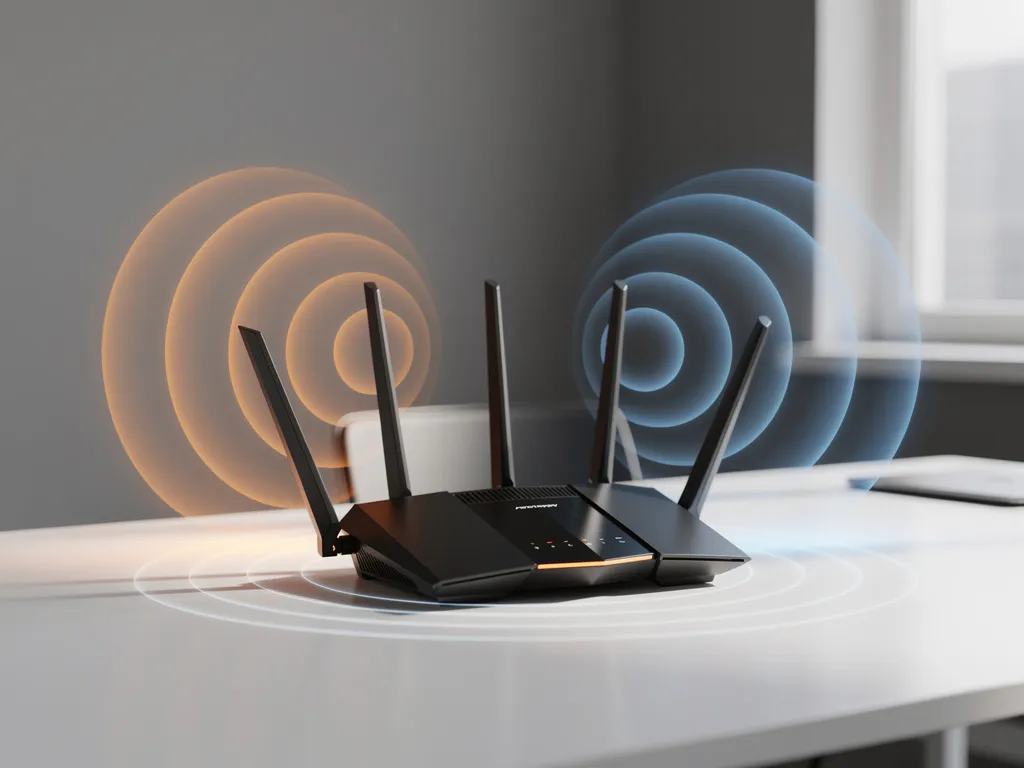
WiFi interference is one of the most frustrating technology problems modern businesses face, causing dropped connections, slow speeds, and productivity losses. Understanding the common sources of interference can help you identify and resolve connectivity issues before they impact your operations.
From household appliances to neighboring networks, various factors can disrupt your wireless signals and create connectivity headaches. Let’s explore the most common culprits behind WiFi interference and how to identify what’s affecting your network performance.
What is WiFi interference and why does it happen?
WiFi interference occurs when other electronic devices or signals disrupt your wireless network’s radio frequencies, causing slower speeds, dropped connections, or complete signal loss. This happens because WiFi operates on specific frequency bands (2.4 GHz and 5 GHz) that are shared with many other devices and technologies.
Interference occurs because WiFi signals are essentially radio waves that can be blocked, absorbed, or overwhelmed by other signals operating on similar frequencies. When multiple devices compete for the same frequency space, they create electromagnetic noise that degrades your network’s performance. Physical obstacles can also absorb or reflect these radio waves, weakening the signal strength between your router and connected devices.
Modern WiFi networks are particularly susceptible to interference because they operate on unlicensed frequency bands, meaning any device manufacturer can create products that use these same frequencies without special permissions or coordination.
What household devices cause the most WiFi interference?
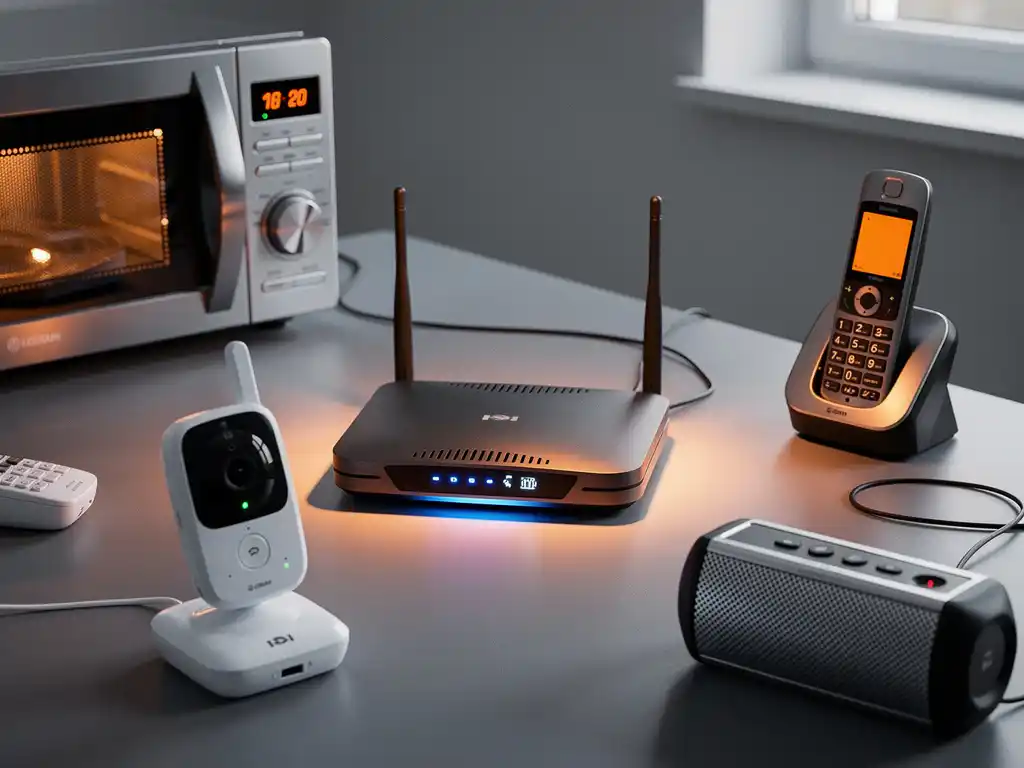
Microwave ovens are the most notorious WiFi disruptors, operating at 2.45 GHz and creating significant interference when in use. Baby monitors, cordless phones, and Bluetooth devices also commonly interfere with WiFi signals because they share the same 2.4 GHz frequency band.
Other common household sources of interference include:
- Wireless security cameras that transmit video signals continuously
- Smart home devices such as wireless doorbells and garage door openers
- Gaming controllers and wireless keyboards that use 2.4 GHz connections
- Fluorescent lights and LED bulbs with poor electromagnetic shielding
- Aquarium equipment and pool pumps with wireless controls
The severity of interference depends on the device’s proximity to your router and the strength of its signal. Devices that continuously transmit data, such as security cameras or baby monitors, typically cause more persistent problems than those that transmit only occasionally.
How do neighboring networks affect your WiFi performance?
Neighboring WiFi networks create interference by competing for the same wireless channels, especially in dense residential or office environments. When multiple networks operate on overlapping channels, they cause signal congestion that reduces speeds and increases connection drops for all affected networks.
This problem is particularly severe in apartment buildings, office complexes, and urban areas where dozens of networks might be broadcasting simultaneously. The 2.4 GHz band has only three non-overlapping channels (1, 6, and 11), making channel conflicts almost inevitable in crowded environments.
The 5 GHz band offers more channels and typically experiences less congestion, but it has a shorter range and does not penetrate walls as effectively as 2.4 GHz signals. Networks using identical or adjacent channels will directly interfere with each other, while networks on nearby channels can cause partial interference that still degrades performance.
The strength of interference from neighboring networks depends on factors such as router placement, transmission power, and the number of active devices on each network. Even a distant but powerful network can cause more interference than a nearby network with weaker signal strength.
What physical obstacles block WiFi signals the most?
Concrete walls and metal structures are the most effective WiFi signal blockers, often reducing signal strength by 50–90%. Water-filled objects such as aquariums and radiators—and even human bodies—significantly absorb WiFi signals because water molecules resonate at frequencies close to WiFi bands.
Different materials affect WiFi signals to varying degrees:
- Metal objects (filing cabinets, appliances, mirrors) reflect and block signals
- Thick masonry walls can reduce signal strength by 60–70%
- Glass windows with metallic coatings block signals more than regular glass
- Wooden furniture and drywall cause minimal signal reduction
- Floors and ceilings with metal reinforcement significantly impede vertical signal transmission
The position and density of obstacles matter more than their size. A thin metal sheet positioned between your router and your device can cause more interference than a thick wooden wall. Multiple obstacles compound the problem, with each barrier progressively weakening the signal until it becomes unusable.
How can you identify what’s causing your WiFi interference?
WiFi analyzer apps and built-in network diagnostics can help identify sources of interference by showing which channels are congested and revealing nearby networks. These tools display signal strength, channel usage, and network overlap in real-time graphs that make interference patterns visible.
Start your interference investigation with these systematic steps:
- Test at different times to identify patterns related to specific device usage
- Move closer to your router to determine whether the problem is signal strength or interference
- Turn off suspected devices one by one while monitoring network performance
- Check both the 2.4 GHz and 5 GHz bands to see which experiences more problems
- Use WiFi analyzer software to visualize channel congestion and signal overlap
Professional network monitoring tools can provide more detailed analysis, including spectrum analysis that shows non-WiFi sources of interference. Many modern routers also include built-in interference detection that can automatically identify and report common sources of problems.
Hoe IMPLI-CIT helpt bij het oplossen van WiFi-interferentie
Wij bij IMPLI-CIT begrijpen hoe cruciaal een stabiele WiFi-verbinding is voor uw bedrijfsvoering. Onze ervaren technici kunnen ter plaatse komen om interferentieproblemen te diagnosticeren en op te lossen, waar u ook bent in Europa of daarbuiten.
Onze oplossingen voor WiFi-interferentie omvatten:
- Professionele site surveys om interferentiebronnen te identificeren
- Netwerkoptimalisatie door kanaal- en frequentieaanpassingen
- Hardware-upgrades en strategische plaatsing van routers
- 24/7 monitoring om toekomstige problemen te voorkomen
- Documentatie en training voor uw interne IT-teams
Met meer dan 20 jaar ervaring in IT-ondersteuning zorgen wij ervoor dat uw netwerk optimaal presteert. Onze gecertificeerde technici werken niet als onderaannemers, maar als directe werknemers, wat consistente kwaliteit en verantwoordelijkheid garandeert. Neem contact met ons op om te ontdekken hoe wij uw WiFi-problemen kunnen oplossen.
Frequently Asked Questions
How can I tell if my microwave is causing WiFi interference without using specialized tools?
Run a speed test on your WiFi while the microwave is off, then run another test while it's heating something. If your speeds drop significantly or you lose connection entirely during microwave use, it's definitely causing interference. You can also try moving your router further away from the kitchen or switching to the 5 GHz band, which microwaves don't affect.
What's the best way to choose a WiFi channel when my neighbors have many networks?
Use a WiFi analyzer app to see which channels are least congested in your area. For 2.4 GHz, stick to channels 1, 6, or 11 since they don't overlap. For 5 GHz, look for channels with the fewest networks and strongest signal strength. Avoid auto-channel selection if you live in a dense area, as it often picks suboptimal channels.
Should I upgrade to WiFi 6 to solve interference problems?
WiFi 6 can help with interference from other WiFi networks through better channel management and efficiency, but it won't solve interference from microwaves, baby monitors, or physical obstacles. Upgrade to WiFi 6 if you have many devices or live in a crowded network environment, but first try optimizing your current setup by changing channels and router placement.
Can I use both 2.4 GHz and 5 GHz bands simultaneously to reduce interference?
Yes, most modern dual-band routers broadcast both frequencies simultaneously, allowing devices to connect to the less congested band. Connect bandwidth-heavy devices like laptops and streaming devices to 5 GHz, while keeping smart home devices and older equipment on 2.4 GHz. This distributes the load and reduces interference on both bands.
How far should I place my router from common interference sources?
Keep your router at least 10 feet away from microwaves, baby monitors, and cordless phones. Place it at least 3-6 feet from metal objects like filing cabinets or mirrors. For optimal performance, position your router in a central, elevated location away from walls and large obstacles, ideally in the same room where you use WiFi most frequently.
What should I do if changing channels doesn't improve my WiFi performance?
If channel optimization doesn't help, the interference might be from non-WiFi sources or physical obstacles. Try relocating your router to a more central position, upgrading to a router with stronger antennas, or adding a WiFi extender or mesh system. You may also need to identify and relocate interfering devices or consider professional site survey to pinpoint the exact problem.
Is it worth investing in a mesh network system to solve interference issues?
Mesh systems can help overcome interference by providing multiple access points and automatically routing traffic through the clearest path. They're particularly effective for large homes or offices with many physical obstacles. However, mesh systems won't eliminate interference sources—they'll just work around them more efficiently. Consider mesh if you need coverage in multiple rooms or floors where interference varies by location.
What are the most common sources of wifi interference?