


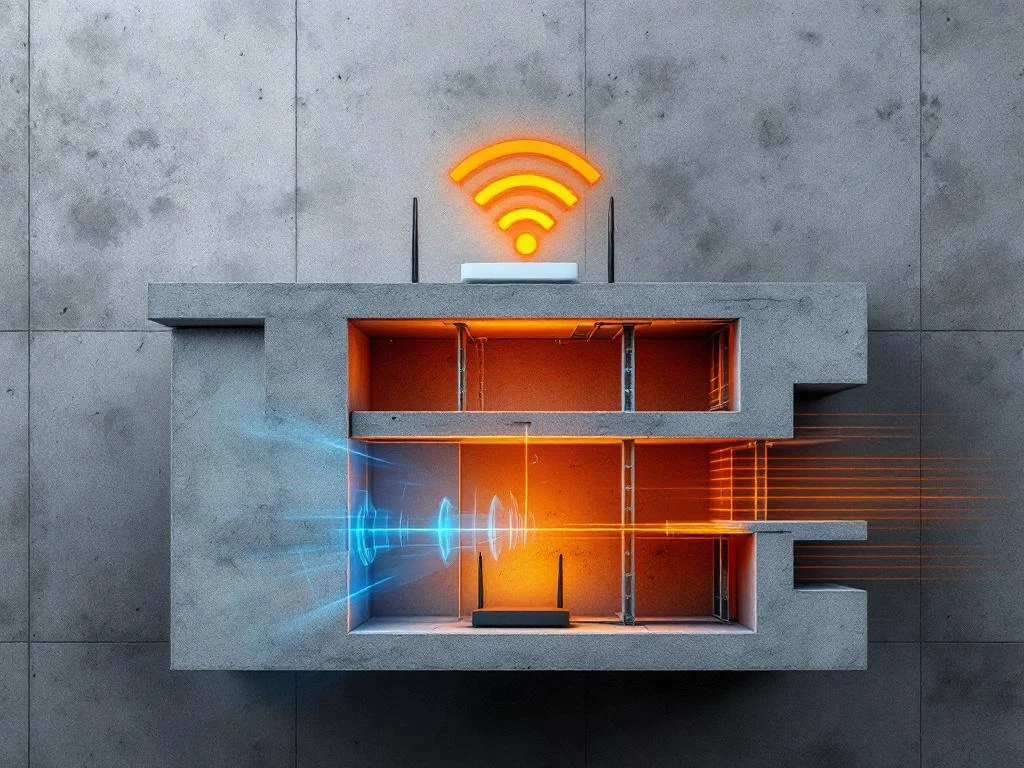
WiFi blackouts in concrete buildings occur when dense construction materials and metal reinforcement completely block wireless signals, creating areas with no connectivity whatsoever. Unlike temporary slowdowns or weak signals, these represent total dead zones where devices cannot connect to networks. The combination of concrete’s density and embedded steel creates electromagnetic barriers that standard routers struggle to penetrate.
What exactly are WiFi blackouts and how do they differ from regular connectivity issues?
WiFi blackouts are complete signal dead zones where wireless devices cannot detect or connect to networks at all. Unlike slow internet speeds or weak signals that still allow some connectivity, blackouts represent total communication failure between devices and routers.
Regular connectivity issues typically involve reduced bandwidth, intermittent disconnections, or slower data transfer rates while maintaining some level of network visibility. Users might experience buffering, delayed loading, or temporary dropouts, but their devices still recognise available networks. In contrast, WiFi blackouts create zones where devices show no available networks or display “no internet connection” messages.
Concrete buildings amplify this problem because the material’s density creates physical barriers that completely absorb or reflect wireless signals. When combined with steel reinforcement bars (rebar), concrete structures can form what engineers call “Faraday cages” – enclosed spaces that block electromagnetic radiation. This means that while other building materials might weaken WiFi signals, concrete can eliminate them entirely in certain areas.
The difference becomes particularly noticeable in multi-storey concrete buildings where users on one floor might enjoy excellent connectivity while those directly above or below experience complete blackouts. This stark contrast distinguishes blackouts from gradual signal degradation common with other interference sources.
Why does concrete interfere with WiFi signals more than other building materials?
Concrete blocks WiFi signals more effectively than other materials due to its high density, water content, and embedded metal reinforcement. The material’s thick, dense composition absorbs and scatters electromagnetic waves operating at WiFi frequencies (2.4 GHz and 5 GHz).
Standard concrete contains aggregate materials like sand, gravel, and cement that create a dense barrier measuring between 15–30 cm thick in typical construction. This density alone significantly attenuates wireless signals. Additionally, concrete often retains moisture, and water molecules absorb electromagnetic energy at WiFi frequencies, further reducing signal strength.
The most problematic element is steel rebar embedded within concrete structures. These metal grids create electromagnetic interference that reflects and scatters WiFi signals in multiple directions. Unlike wood, which has minimal density and no metal content, or glass, which allows most wireless signals to pass through, concrete with rebar forms an effective shield against radio frequencies.
Comparing material interference levels, drywall reduces WiFi signal strength by approximately 3–4 decibels, brick walls cause 6–8 decibel losses, while concrete structures can attenuate signals by 15–20 decibels or more. This dramatic difference explains why devices work perfectly in wooden buildings but struggle significantly in concrete environments.
Modern concrete buildings often use post-tensioned construction with additional steel cables, creating even more metal density that interferes with wireless communications. The combination of thick concrete, moisture retention, and extensive metal reinforcement makes these structures particularly challenging for WiFi deployment.
What specific factors in concrete buildings make WiFi blackouts worse?
Several architectural elements in concrete buildings compound WiFi interference problems beyond basic material density. Wall thickness, rebar placement patterns, building height, and structural design features all contribute to signal dead zones.
Wall thickness plays a crucial role, with modern concrete construction often featuring 20–40 cm thick walls compared to 10–15 cm in older buildings. Thicker walls create longer signal paths through dense material, increasing attenuation. Load-bearing walls typically contain more steel reinforcement than partition walls, making them more problematic for wireless penetration.
Rebar grid patterns significantly impact signal propagation. Dense reinforcement grids with 15–20 cm spacing create more interference than wider patterns. Buildings with reinforced concrete floors and ceilings create horizontal barriers that prevent vertical signal distribution between floors. This explains why WiFi often works well on the same floor as the router but fails completely on floors above or below.
Building height amplifies problems because concrete structures require more reinforcement at lower levels to support upper floors. Ground-floor and basement areas often have the thickest walls and densest rebar patterns, creating the most severe blackout zones. Additionally, elevator shafts, stairwells, and mechanical rooms with extensive metal infrastructure create signal shadows that extend into adjacent areas.
Architectural features like concrete columns, beams, and decorative elements add additional barriers. Open-plan offices divided by concrete elements often experience patchy coverage with unpredictable dead zones. Underground car parks, storage areas, and basement facilities face the most severe challenges due to their concrete enclosure and distance from external signal sources.
How can organisations prevent and resolve WiFi blackouts in concrete structures?
Preventing and resolving WiFi blackouts in concrete buildings requires strategic planning, proper equipment placement, and often professional assessment. Solutions range from simple router repositioning to comprehensive mesh network installations, depending on building complexity and coverage requirements.
Strategic router placement forms the foundation of effective coverage. Position primary routers in central locations with minimal concrete barriers between the device and coverage areas. Avoid placing routers near elevator shafts, stairwells, or mechanical rooms where metal infrastructure creates additional interference. Elevating routers above furniture level and away from concrete walls improves signal distribution.
Mesh network systems provide the most reliable solution for concrete buildings. These systems use multiple access points connected wirelessly or through Ethernet cables to create overlapping coverage zones. Unlike range extenders that can reduce bandwidth, quality mesh systems maintain consistent speeds while eliminating dead zones. Position mesh nodes strategically to bypass concrete barriers rather than attempting to penetrate them.
Professional WiFi site survey services become essential for complex multi-location deployments or buildings with persistent connectivity issues. These assessments identify optimal access point locations, measure signal strength throughout the building, and recommend specific equipment configurations. A comprehensive WiFi site survey maps coverage patterns and interference sources, enabling targeted solutions rather than trial-and-error approaches.
For organisations managing multiple concrete buildings or complex facilities, professional IT support services provide expertise in designing and implementing robust wireless networks. These services include ongoing monitoring, maintenance, and optimisation to ensure consistent connectivity across all locations.
Additional solutions include installing Ethernet backhaul connections between access points, using higher-gain antennas, and implementing enterprise-grade equipment designed for challenging environments. When planning new deployments or experiencing persistent connectivity issues, consulting with networking specialists ensures optimal results while avoiding costly mistakes.
Frequently Asked Questions
How do I know if my building has WiFi blackouts versus just poor signal strength?
Check if your devices can detect any WiFi networks in problem areas. If your device shows no available networks or displays 'no WiFi networks found,' you're experiencing a blackout. Poor signal strength will still show network names but with weak signal bars or slow speeds.
Can I use WiFi extenders to fix blackouts in concrete buildings?
Standard WiFi extenders are generally ineffective for blackouts because they need some existing signal to amplify. If concrete is completely blocking signals, extenders won't help. Mesh systems with Ethernet backhaul or powerline connections work better as they don't rely on wireless signal extension through concrete barriers.
What's the most cost-effective first step to improve WiFi in a concrete building?
Start by repositioning your existing router to a more central location away from concrete walls and metal fixtures. Elevate it to at least 1.5 meters high and ensure it's not enclosed in cabinets or near elevator shafts. This simple change can significantly improve coverage before investing in additional equipment.
How many mesh access points do I typically need for a concrete building?
Plan for one access point per 30-50 square meters in concrete buildings, compared to 90-120 square meters in standard construction. Multi-story buildings often need at least one access point per floor. The exact number depends on wall thickness, layout complexity, and required coverage areas.
Will upgrading to WiFi 6 or newer standards help with concrete interference?
Newer WiFi standards offer better efficiency and performance but don't fundamentally solve concrete penetration issues. The physics of concrete blocking radio waves remains the same. However, WiFi 6's improved signal processing and beamforming can provide marginal improvements in borderline coverage areas.
What should I do if mesh systems still leave dead zones in my concrete building?
Consider installing Ethernet cables to provide wired backhaul for access points in problematic areas. Alternatively, powerline adapters can use electrical wiring to extend network connections. For persistent issues, a professional WiFi site survey can identify optimal placement strategies and recommend enterprise-grade solutions.
Are there any building modifications that can improve WiFi without major construction?
Install conduit or cable trays during minor renovations to enable future Ethernet runs. Consider placing access points in ceiling spaces above dropped ceilings where concrete density is typically lower. Strategic placement of equipment in doorways or openings can also help signals propagate between rooms.
What causes WiFi blackouts in concrete buildings?
