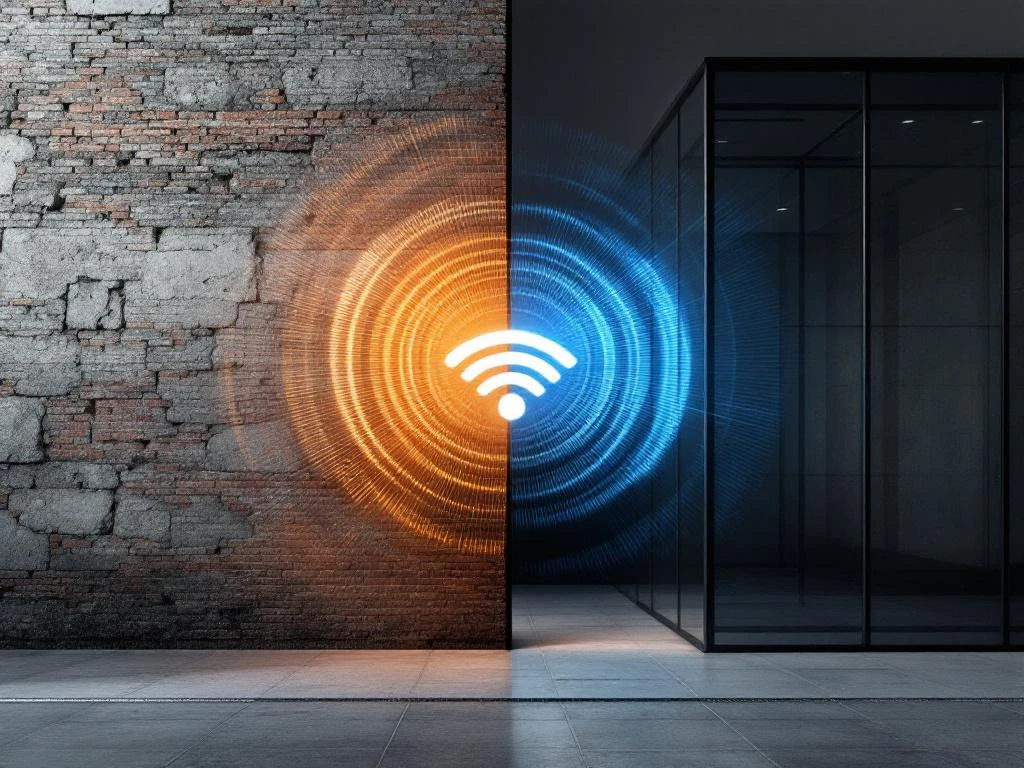
Older buildings present unique WiFi coverage challenges due to their construction materials, structural design, and infrastructure limitations. Dense materials like concrete, steel reinforcement, and thick masonry walls block wireless signals, while outdated electrical systems create interference. These architectural features that provide structural integrity and character often work against modern wireless technology requirements.
What building materials in older structures interfere with WiFi signals?
Concrete, steel reinforcement, brick, and plaster with metal mesh severely block WiFi signals through physical interference and signal absorption. These materials, common in older construction, act as barriers that prevent 2.4 GHz and 5 GHz wireless frequencies from penetrating effectively.
Concrete and steel reinforcement create the most significant obstacles for WiFi signals. The dense concrete absorbs radio waves, while steel rebar acts like a Faraday cage, reflecting and scattering wireless signals. Buildings constructed with reinforced concrete floors and walls often require multiple access points to achieve adequate coverage.
Traditional brick construction, particularly when combined with thick mortar joints, substantially weakens WiFi signals. The mineral content in clay bricks and the density of multiple brick layers create cumulative signal loss. Victorian and Edwardian buildings with solid brick walls often experience signal reduction of 10–15 decibels per wall.
Plaster walls containing metal mesh or chicken wire, common in early 20th-century construction, reflect WiFi signals rather than allowing penetration. Lead-based materials, including old paint and roofing components, further absorb wireless frequencies. These materials essentially create dead zones where WiFi signals cannot reach effectively.
Why do thick walls and dense construction create WiFi dead zones?
Thick walls and dense masonry construction prevent WiFi signals from penetrating between rooms and floors due to substantial material depth and multiple structural layers. The cumulative effect of dense materials creates areas where wireless signals cannot reach at usable strength.
Wall thickness in older buildings often exceeds 200–300 mm, compared to modern construction using thinner materials. Each additional centimetre of dense material reduces signal strength exponentially. Multiple structural layers, including exterior walls, interior partition walls, and decorative elements, create compound signal loss that modern routers struggle to overcome.
Floor construction in heritage buildings typically involves thick timber beams, stone, or concrete slabs that block vertical signal propagation. Multi-storey older buildings often require separate access points on each floor because signals cannot penetrate upward or downward through these substantial structural elements.
Room layouts in older buildings frequently feature long corridors, multiple small rooms, and irregular floor plans that create natural signal shadows. The combination of thick walls and complex layouts means WiFi signals must travel around obstacles rather than through them, resulting in significant coverage gaps and weak signal areas throughout the building.
How does outdated electrical infrastructure affect WiFi performance?
Older electrical wiring, inadequate power distribution, and electromagnetic interference from aging electrical systems impact WiFi equipment placement and signal quality. Outdated infrastructure limits where access points can be installed and creates interference that degrades wireless performance.
Legacy electrical systems often lack sufficient power outlets in optimal locations for WiFi equipment. This forces suboptimal access point placement, typically near existing electrical points rather than in positions that provide the best coverage. Inadequate power distribution may also limit the number of access points that can be installed without electrical upgrades.
Older wiring systems generate electromagnetic interference that affects WiFi signals, particularly in the 2.4 GHz frequency band. Aging electrical components, fluorescent lighting, and old electrical panels create noise that competes with wireless signals. This interference is often intermittent, making WiFi performance unpredictable.
Electrical safety considerations in heritage buildings may restrict where modern networking equipment can be installed. Original wiring may not meet current safety standards for powering multiple access points, and building regulations might limit modifications to electrical systems. These constraints often require creative solutions for power delivery to optimal WiFi locations.
What are the most effective solutions for improving WiFi in older buildings?
Mesh networks, strategic access point placement, signal boosters, and professional site surveys provide the most effective solutions for WiFi deployment in heritage structures. These approaches work with the building’s characteristics rather than against them to achieve comprehensive coverage.
Mesh networking systems excel in older buildings because they use multiple interconnected access points to create seamless coverage. Each mesh node communicates with others to route signals around obstacles, effectively bypassing the structural barriers that challenge traditional single-router setups. This approach ensures consistent coverage throughout complex floor plans.
Strategic access point placement requires understanding the building’s construction and usage patterns. Professional installation considers structural barriers, electrical limitations, and user requirements to position equipment optimally. This often involves mounting access points in corridors, stairwells, or other central locations where signals can reach multiple rooms.
A comprehensive WiFi site survey identifies coverage gaps, interference sources, and optimal equipment locations before installation. This professional assessment maps signal strength throughout the building and recommends specific solutions based on the structure’s unique challenges.
When standard solutions prove insufficient, specialised onsite technical support can provide custom WiFi deployment strategies. Professional technicians understand the complexities of heritage building WiFi installation and can implement solutions that respect both connectivity requirements and architectural constraints while ensuring reliable performance throughout the structure.
Frequently Asked Questions
How can I determine if my older building needs a professional WiFi assessment before installing equipment?
If you're experiencing dead zones in multiple rooms, inconsistent speeds throughout the building, or complete signal loss between floors, a professional assessment is recommended. Buildings with walls thicker than 200mm, steel reinforcement, or complex layouts typically require expert evaluation to avoid costly equipment purchases that won't solve coverage issues.
What's the difference between mesh networks and traditional WiFi extenders for older buildings?
Mesh networks create a unified network with seamless handoffs between nodes, while traditional extenders create separate network names and often cause connection drops. In older buildings with thick walls, mesh systems are superior because they intelligently route signals around obstacles and maintain consistent performance as you move throughout the building.
Can I install WiFi equipment myself in an older building, or do I need professional help?
While basic mesh systems can be self-installed, older buildings often require professional installation due to electrical limitations, optimal placement challenges, and building regulation compliance. Professional installers understand heritage building constraints and can ensure equipment is positioned for maximum effectiveness while respecting architectural features.
How many access points will I typically need for adequate coverage in a multi-storey older building?
Most older buildings require one access point per floor as a minimum, with additional units needed for larger floor areas or particularly dense construction. A 3-storey heritage building might need 4-6 access points depending on wall thickness, room layout, and coverage requirements, compared to 1-2 access points in a modern building of similar size.
What should I do if WiFi performance is inconsistent throughout the day in my older building?
Inconsistent performance often indicates electromagnetic interference from aging electrical systems or neighboring networks. Try switching to the 5 GHz frequency band, check for interference from fluorescent lights or old electrical equipment, and consider upgrading electrical infrastructure if interference persists. A professional assessment can identify specific interference sources.
Are there any building preservation restrictions I should consider when installing WiFi equipment in a heritage property?
Heritage buildings may have restrictions on drilling, cable routing, and equipment mounting that affect WiFi installation. Check with local heritage authorities before installation, consider wireless backhaul solutions to minimize cabling, and work with installers experienced in heritage properties who understand preservation requirements and alternative mounting methods.
How can I improve WiFi performance in my older building without major renovations or electrical work?
Start with a quality mesh system positioned strategically in central locations like hallways or stairwells. Use powerline adapters where electrical wiring allows, position equipment away from interference sources, and consider external antennas for better signal propagation. These solutions work within existing infrastructure while significantly improving coverage.
Why do older buildings have more WiFi coverage problems?