Wi-Fi interference is one of the most common culprits behind slow internet speeds, dropped connections, and frustrating network performance issues in modern workplaces. As businesses increasingly rely on wireless connectivity for critical operations, understanding how interference occurs and affects your network becomes essential for maintaining productivity and preventing costly downtime.
Whether you’re managing a single office or multiple locations across different countries, Wi-Fi interference can silently undermine your IT infrastructure’s reliability. The good news is that with proper knowledge and the right approach, most interference issues can be identified and resolved effectively.
What is Wi-Fi interference, and how does it happen?
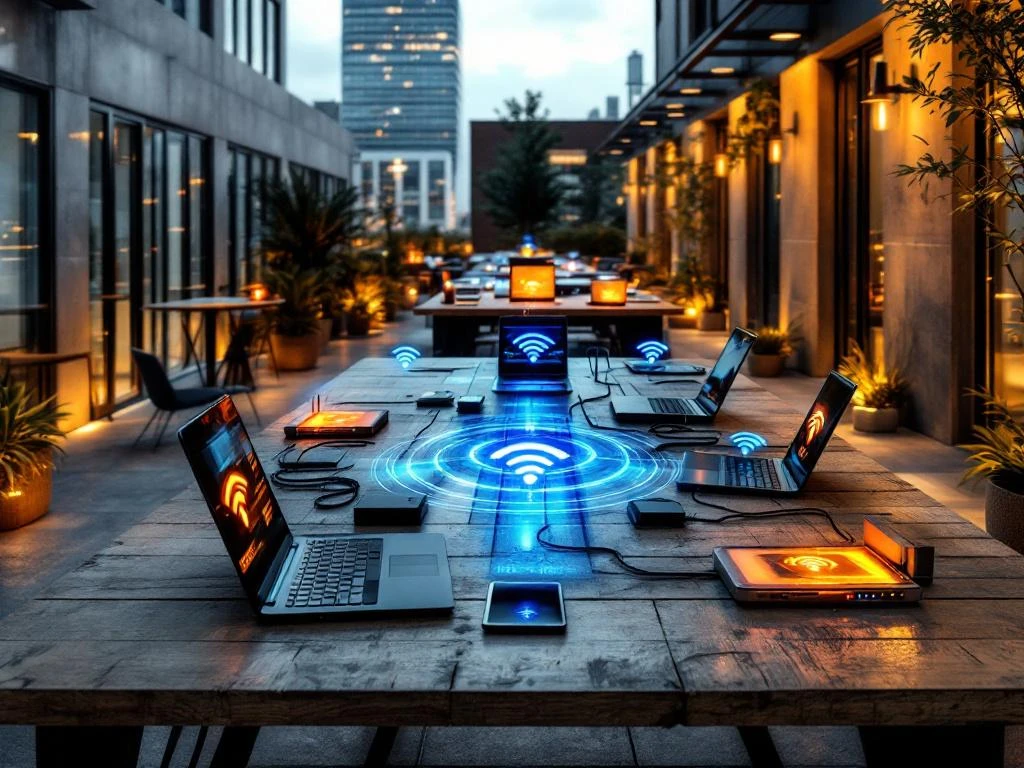
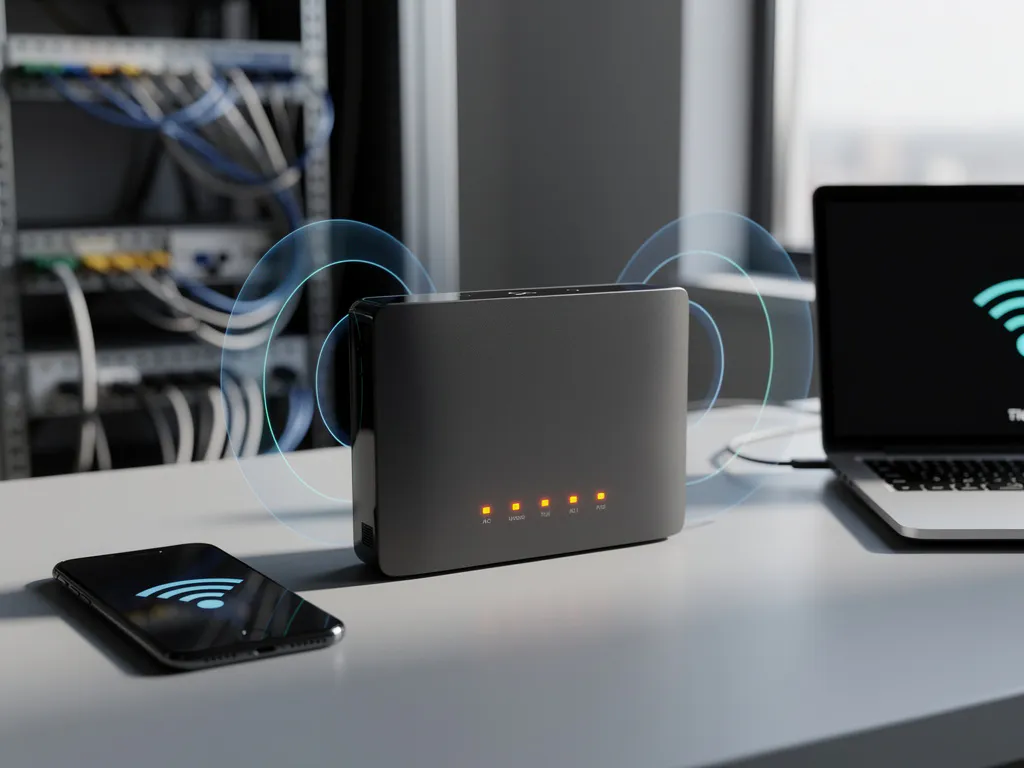
Wi-Fi interference occurs when other electronic devices or signals disrupt the radio frequencies that wireless networks use to transmit data. This happens because Wi-Fi operates on specific frequency bands (2.4 GHz and 5 GHz) that are shared with many other devices and technologies, creating competition for the same radio spectrum.
The interference process works through signal overlap and frequency congestion. When multiple devices attempt to use the same or overlapping frequencies simultaneously, they create electromagnetic noise that degrades the quality of Wi-Fi signals. This is similar to how multiple radio stations broadcasting on similar frequencies can interfere with each other, causing static or poor reception.
Modern Wi-Fi networks use spread-spectrum technology to minimize interference, but they cannot eliminate it entirely. The severity of interference depends on factors such as signal strength, proximity to interfering devices, physical obstacles, and the number of competing signals in the area.
What are the main causes of Wi-Fi interference?
The primary causes of Wi-Fi interference fall into three categories: other wireless devices, physical obstructions, and environmental factors. Common wireless culprits include Bluetooth devices, microwave ovens, baby monitors, cordless phones, and neighboring Wi-Fi networks operating on the same channels.
Physical barriers significantly affect Wi-Fi signals as well. Concrete walls, metal structures, large appliances, and even water can absorb or reflect radio waves, creating dead zones or weak-signal areas. In office environments, filing cabinets, server racks, and elevator shafts are frequent sources of signal degradation.
Environmental interference includes weather conditions, electrical equipment, and fluorescent lighting. Heavy rain or atmospheric conditions can affect outdoor wireless links, while industrial equipment and older lighting systems generate electromagnetic noise that competes with Wi-Fi signals. Additionally, the increasing density of wireless devices in urban areas creates a phenomenon known as “spectrum pollution,” where too many networks compete for limited frequency space.
How does Wi-Fi interference affect network performance?
Wi-Fi interference directly reduces network performance by causing slower data transfer speeds, increased latency, frequent disconnections, and reduced signal range. When interference is present, devices must work harder to maintain connections, leading to higher power consumption and reduced battery life for mobile devices.
The most noticeable impact is decreased throughput, where your actual internet speed becomes significantly slower than your subscribed bandwidth. This occurs because interfered signals require retransmission of data packets, effectively reducing the amount of useful information that can be transmitted per second.
Connection stability also suffers under interference conditions. Users experience frequent drops, failed connection attempts, and the need to reconnect to the network repeatedly. In business environments, this translates into productivity losses, interrupted video conferences, and potential data loss during file transfers. For mission-critical applications, even brief interference can cause system timeouts and operational disruptions.
How can you detect Wi-Fi interference in your network?
Detecting Wi-Fi interference requires systematic monitoring using specialized tools and techniques. The most effective approach involves using Wi-Fi analyzer software that can scan your environment and identify competing signals, channel congestion, and signal-strength variations across different areas of your facility.
Professional Wi-Fi analyzers provide spectrum analysis, showing you exactly which frequencies are crowded and which devices might be causing problems. These tools can identify hidden networks, measure signal-to-noise ratios, and map coverage areas to pinpoint interference sources. Many enterprise-grade wireless access points include built-in monitoring capabilities that can automatically detect and report interference issues.
Physical site surveys complement software analysis by identifying environmental factors that might not show up in spectrum scans. This involves systematically testing signal strength and performance at various locations while noting potential interference sources such as microwaves, metal structures, or competing wireless devices. Regular monitoring helps establish baseline performance metrics and quickly identify when new interference sources appear.
What are the best solutions for reducing Wi-Fi interference?
The most effective solutions for reducing Wi-Fi interference include strategic channel selection, proper access point placement, and eliminating interfering devices. Start by configuring your wireless network to use less congested channels, particularly by moving to the 5 GHz band, which typically has more available channels and less interference than 2.4 GHz.
Physical optimization plays a crucial role in interference reduction. Position access points away from known interference sources, use appropriate mounting heights, and ensure adequate coverage without creating overlapping signal areas. Installing additional access points with lower power settings often provides better performance than using fewer high-power units that compete with each other.
Advanced solutions include implementing enterprise-grade wireless controllers that can automatically adjust channels and power levels based on real-time interference detection. Upgrading to newer Wi-Fi standards such as Wi-Fi 6 provides better interference handling through improved signal processing and more efficient spectrum usage. For critical environments, consider using directional antennas or shielding to isolate wireless signals from interference sources.
Hoe IMPLI-CIT helpt met Wi-Fi-interferentieproblemen
We understand that Wi-Fi interference can severely impact business operations, especially for companies with multiple locations across different countries. Our experienced field engineers specialize in comprehensive wireless network assessments and on-site troubleshooting to identify and resolve interference issues effectively.
Our approach to Wi-Fi interference solutions includes:
- Professional site surveys and spectrum analysis using advanced diagnostic tools
- Strategic access point placement and configuration optimization
- Identification of interference sources and mitigation strategies
- Network performance monitoring and ongoing optimization
- 24/7 emergency support for critical connectivity issues
With technicians available across Europe, Asia, Africa, and the Americas, we provide consistent service quality regardless of your location. Our team’s VCA-VOL safety certification and comprehensive background checks ensure professional, secure service delivery that meets enterprise standards.
Don’t let Wi-Fi interference compromise your business operations. Contact us today to schedule a comprehensive network assessment and discover how our expert technicians can optimize your wireless infrastructure for maximum performance and reliability.
Frequently Asked Questions
How often should I perform Wi-Fi interference assessments in my office?
We recommend conducting comprehensive Wi-Fi assessments every 6-12 months, or whenever you notice performance degradation. Additionally, perform quick checks whenever you add new equipment, relocate offices, or experience unexplained connectivity issues. Regular monitoring helps catch interference problems before they impact business operations significantly.
Can I use free Wi-Fi analyzer apps instead of professional tools?
While free apps can provide basic channel information, they lack the advanced spectrum analysis and interference detection capabilities needed for thorough troubleshooting. Professional tools offer detailed signal-to-noise measurements, hidden network detection, and comprehensive reporting that's essential for enterprise environments and complex interference scenarios.
What should I do if switching to 5 GHz doesn't solve my interference problems?
If 5 GHz migration doesn't resolve issues, consider implementing Wi-Fi 6 technology for better interference handling, adding more access points with lower power settings, or using directional antennas to isolate signals. In severe cases, you may need to identify and relocate specific interference sources or install RF shielding in critical areas.
How can I prevent interference when setting up a new office location?
Start with a pre-deployment site survey to identify potential interference sources and optimal access point locations. Choose enterprise-grade equipment with automatic channel selection, plan for adequate coverage without signal overlap, and establish baseline performance metrics. Consider the office layout, nearby businesses, and potential growth when designing your wireless infrastructure.
Is it worth upgrading to Wi-Fi 6 specifically for interference reduction?
Yes, Wi-Fi 6 offers significant improvements in interference handling through technologies like OFDMA, BSS coloring, and improved signal processing. These features help networks perform better in congested environments and provide more stable connections. The upgrade is particularly beneficial for high-density environments or locations with persistent interference issues.
What are the warning signs that interference is affecting my business operations?
Key indicators include frequent video conference drops, slow file transfers despite adequate internet bandwidth, employees reporting connectivity issues in specific areas, and increased IT support tickets related to wireless problems. Monitor for patterns like performance degradation at certain times of day or in particular locations within your facility.
Can interference from neighboring businesses be completely eliminated?
While you cannot control external interference sources, you can minimize their impact through strategic channel selection, proper access point placement, and using enterprise-grade equipment with better interference rejection. In extreme cases, directional antennas or RF shielding may be necessary to isolate your network from persistent external interference sources.
What is wifi interference and how does it affect network performance?