Wi-Fi interference can turn a high-speed network into a frustrating bottleneck, causing dropped connections, slow data transfers, and productivity losses across your organization. Whether you’re managing a single office or multiple locations across Europe, understanding how to accurately measure Wi-Fi interference levels is crucial for maintaining reliable network performance.
Identifying and quantifying interference requires the right tools, techniques, and an understanding of what signal measurements actually indicate about your network’s health. Let’s explore the essential methods for measuring Wi-Fi interference accurately and ensuring your wireless infrastructure operates at peak performance.
What is Wi-Fi interference, and why does it affect network performance?
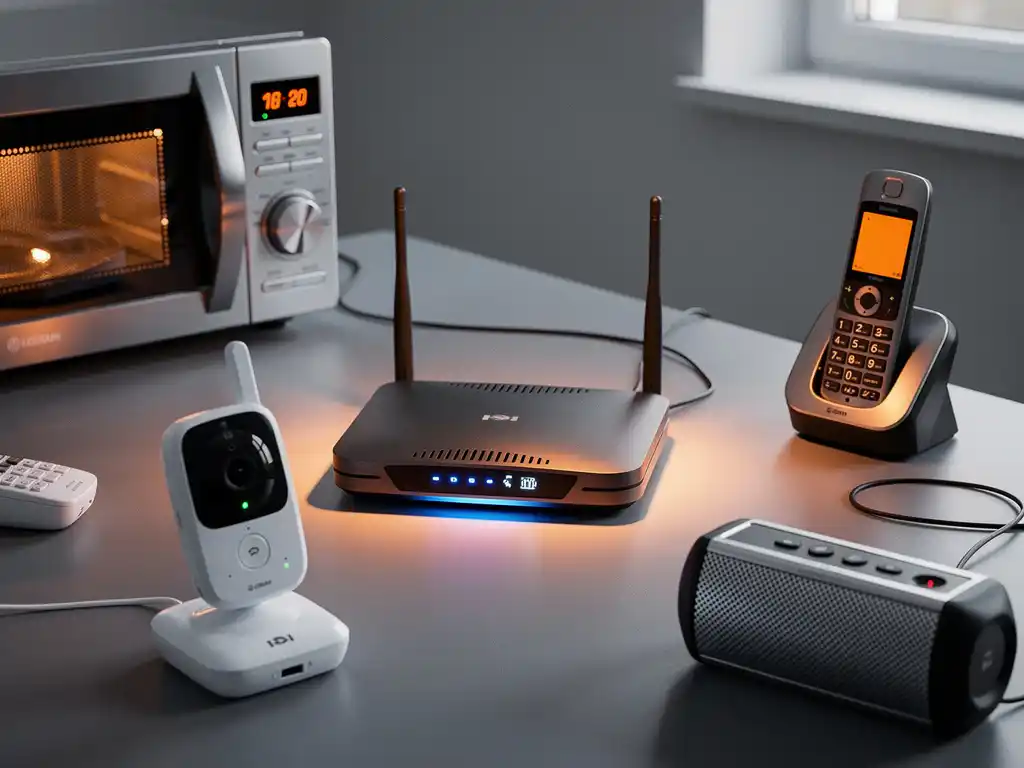
Wi-Fi interference occurs when other electronic devices or signals disrupt the radio frequencies used by your wireless network, causing degraded performance, connection drops, and reduced data speeds. This interference happens because Wi-Fi operates on unlicensed frequency bands that are shared with many other devices, including microwaves, Bluetooth devices, baby monitors, and neighboring wireless networks.
The impact on network performance is significant because interference forces your Wi-Fi devices to work harder to maintain connections. When interference is present, devices must retransmit data packets multiple times, leading to increased latency and reduced throughput. In severe cases, interference can cause complete connection failures, forcing users to reconnect repeatedly or switch to wired connections.
Common sources of Wi-Fi interference include overlapping channels from nearby networks, physical obstructions such as walls and metal objects, electromagnetic interference from industrial equipment, and even weather conditions. Understanding these sources helps you identify why your network performance fluctuates and which measurements to focus on during your assessment.
What tools do you need to measure Wi-Fi interference accurately?
Professional Wi-Fi interference measurement requires specialized software tools and hardware capable of analyzing radio-frequency spectrum data, signal-strength variations, and channel utilization across all Wi-Fi bands. The most effective approach combines spectrum analyzers, Wi-Fi survey software, and network monitoring tools to provide comprehensive interference detection.
Essential tools for accurate measurement include Wi-Fi analyzer applications that can scan all available channels and display real-time signal-strength data. Popular options include WiFi Explorer for detailed channel analysis, inSSIDer for interference identification, and Wireshark for packet-level network analysis. These tools help you visualize signal patterns and identify interference sources.
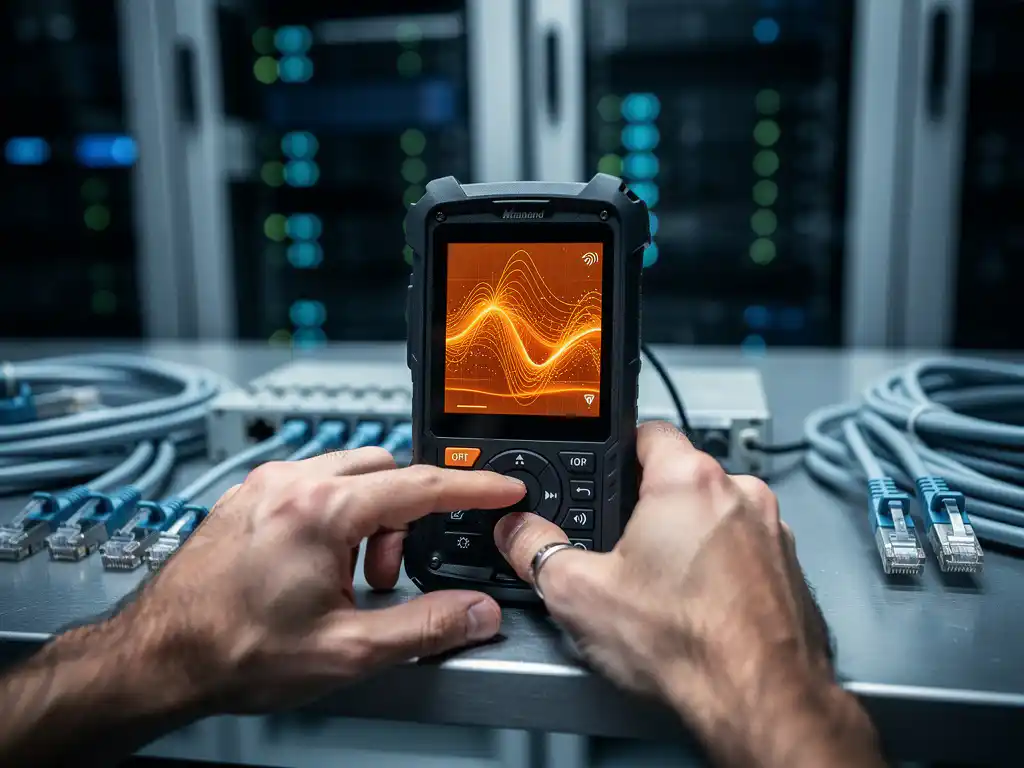
Hardware requirements depend on your measurement scope, but professional assessments typically use dedicated spectrum analyzers or Wi-Fi adapters capable of monitor-mode operation. Many modern laptops with high-quality Wi-Fi cards can perform basic interference measurements, while enterprise environments often require specialized equipment for comprehensive analysis across multiple frequency bands and locations.
How do you identify the source of Wi-Fi interference in your network?
Identifying interference sources requires systematic analysis of signal patterns, frequency usage, and environmental factors, using spectrum-analysis tools to correlate interference spikes with specific devices or conditions. Start by conducting a baseline scan of your environment when all known Wi-Fi devices are powered off, then gradually introduce devices while monitoring signal changes.
Begin your investigation by examining channel-utilization charts to identify overcrowded frequency bands. Look for non-Wi-Fi signals that appear as consistent interference across specific frequencies, which often indicate microwave ovens, wireless cameras, or industrial equipment. These devices typically create distinctive interference patterns that differ from normal Wi-Fi traffic.
Physical inspection combined with spectrum analysis provides the most accurate source identification. Walk through your environment with a portable spectrum analyzer, noting interference-level changes in different areas. Pay attention to interference that increases near specific equipment, rooms, or external sources. Document the timing of interference patterns, as some sources, such as microwave ovens, create intermittent interference that correlates with usage patterns.
What Wi-Fi signal-strength measurements indicate interference problems?
A signal-to-noise ratio (SNR) below 20 dB and received signal strength indicator (RSSI) fluctuations greater than 10 dB typically indicate interference problems that can significantly impact network performance and user experience. These measurements provide quantitative indicators of interference severity and help prioritize remediation efforts.
Monitor your SNR values continuously, as consistent readings below 25 dB suggest interference issues, while values below 15 dB indicate severe problems requiring immediate attention. SNR measurements compare your desired Wi-Fi signal strength against background noise and interference, providing the clearest picture of interference impact on your network quality.
Additional warning signs include packet-loss rates exceeding 1%, connection retry attempts increasing beyond normal baselines, and throughput measurements consistently falling below expected speeds for your signal strength. Channel utilization above 70% combined with poor SNR readings often indicates interference from overlapping networks or competing devices on the same frequency bands.
Hoe IMPLI-CIT helpt met Wi-Fi-interferentieproblemen
We specialize in comprehensive IT infrastructure assessment and planning services that include professional Wi-Fi interference analysis and network optimization for businesses across Europe. Our certified field engineers use advanced spectrum-analysis tools and proven methodologies to identify interference sources, measure signal quality, and implement effective solutions that restore optimal network performance.
Our Wi-Fi interference resolution services include:
- Professional spectrum analysis and interference-source identification
- Channel optimization and frequency planning across multiple locations
- Hardware assessment and replacement recommendations
- Ongoing monitoring and proactive interference management
- 24/7 emergency support for critical network issues
With over 20 years of experience providing IT services across Europe and beyond, we understand how Wi-Fi interference can impact your business operations and revenue. Our white-glove approach ensures we don’t just identify problems but implement complete solutions that prevent future interference issues. Contact us today to schedule a comprehensive Wi-Fi interference assessment and discover how we can optimize your network performance across all your locations.
Frequently Asked Questions
How often should I measure Wi-Fi interference in my office environment?
For most business environments, conduct comprehensive interference measurements quarterly or whenever you notice performance issues. However, high-density offices or locations with frequent equipment changes should perform monthly spot checks. Set up continuous monitoring for critical areas to catch interference spikes in real-time and address issues before they impact productivity.
Can I use free mobile apps to accurately measure Wi-Fi interference, or do I need professional tools?
While free mobile apps can provide basic signal strength readings and channel information, they lack the spectrum analysis capabilities needed for accurate interference detection. Professional tools like spectrum analyzers can identify non-Wi-Fi interference sources (microwaves, Bluetooth, etc.) that mobile apps cannot detect. For serious interference issues, invest in professional-grade tools or hire specialists.
What's the difference between interference from neighboring Wi-Fi networks versus other electronic devices?
Wi-Fi network interference appears as legitimate network traffic on overlapping channels and can be resolved through channel optimization. Non-Wi-Fi interference from devices like microwaves or wireless cameras creates irregular signal patterns outside normal Wi-Fi protocols and requires physical source identification and mitigation. Non-Wi-Fi interference is typically more disruptive and harder to resolve.
My Wi-Fi performance is poor, but my signal strength looks good. Could this still be interference?
Absolutely. Strong signal strength (RSSI) doesn't guarantee good performance if interference is present. Focus on your Signal-to-Noise Ratio (SNR) instead – you can have excellent signal strength but poor SNR due to high background interference. This scenario often occurs in dense office environments with multiple competing networks or electronic devices.
How do I prioritize which interference issues to fix first when I find multiple sources?
Prioritize based on impact and ease of resolution. Address interference affecting critical business areas first, then tackle sources causing the lowest SNR readings. Quick wins include repositioning equipment away from interference sources or changing Wi-Fi channels. More complex issues like industrial equipment interference may require professional consultation or equipment replacement.
Is 5GHz Wi-Fi always better than 2.4GHz for avoiding interference?
Not necessarily. While 5GHz has more available channels and less congestion from household devices, it's more susceptible to physical obstructions and has shorter range. The 2.4GHz band may actually perform better in environments with many walls or long distances, despite higher interference potential. Test both bands in your specific environment to determine optimal performance.
What should I do if interference measurements show problems but I can't identify the source?
Start by creating a detailed interference map of your facility, noting time-based patterns and location-specific issues. Check for intermittent sources that operate on schedules (like industrial equipment). If the source remains elusive, consider hiring professional RF engineers who have specialized equipment and experience with complex interference scenarios – some sources require advanced spectrum analysis to identify.
How do you measure wifi interference levels accurately?