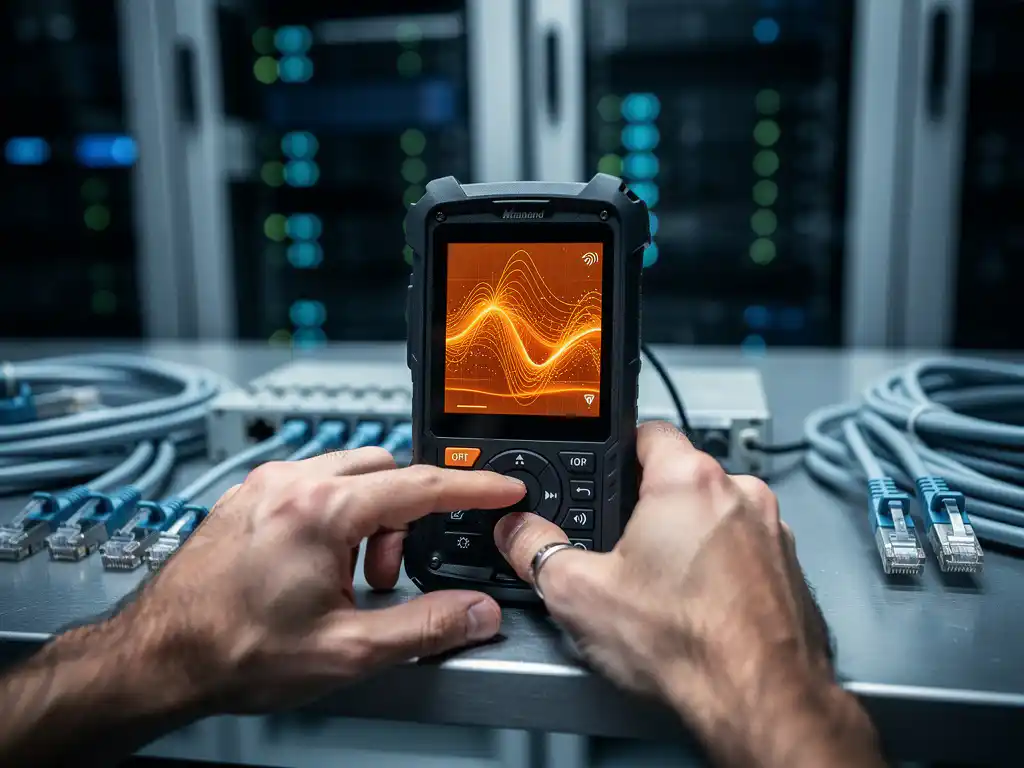
When troubleshooting wireless network problems, understanding the root cause is essential to implementing effective solutions. Two of the most common culprits behind poor Wi-Fi performance are interference and signal attenuation, yet these issues are frequently confused or misdiagnosed. While both can result in slow speeds, dropped connections, and frustrating user experiences, they stem from entirely different causes and require distinct approaches to resolve.
Recognizing whether you’re dealing with Wi-Fi interference or signal attenuation can save hours of troubleshooting time and prevent costly misconfigurations. This distinction becomes particularly critical in business environments, where network reliability directly impacts productivity and operational efficiency.
What Is the Difference Between Wi-Fi Interference and Signal Attenuation?
Wi-Fi interference occurs when other electronic devices or radio signals compete with your wireless network on the same frequency bands, while signal attenuation refers to the natural weakening of Wi-Fi signals as they travel over distance and through physical obstacles. Interference is caused by external signal sources, whereas attenuation is a physical property of radio-wave propagation.
Think of Wi-Fi interference as trying to have a conversation in a crowded, noisy room where multiple people are talking simultaneously. Your voice gets drowned out by competing sounds, making communication difficult even when you’re close to the listener. Signal attenuation, on the other hand, is like your voice naturally becoming quieter as you move farther away from someone or when walls and furniture block the sound path.
The key technical difference lies in their impact patterns. Interference typically causes intermittent connectivity issues, sudden speed drops, and variable performance that changes throughout the day. Attenuation creates predictable performance degradation based on distance from the access point and the number of physical barriers between devices and the router.
What Causes Wi-Fi Interference in Modern Environments?
Wi-Fi interference primarily stems from devices operating on the same 2.4 GHz and 5 GHz frequency bands as wireless networks, including microwave ovens, baby monitors, Bluetooth devices, and neighboring Wi-Fi networks. Industrial equipment, fluorescent lighting, and even some LED bulbs can also generate electromagnetic interference that disrupts wireless communications.
The 2.4 GHz band faces the most congestion because it’s shared by numerous household and office devices. Microwave ovens are particularly problematic, as they operate at 2.45 GHz and can completely overwhelm nearby Wi-Fi signals when in use. Baby monitors, cordless phones, and wireless security cameras often cause persistent interference throughout their operating periods.
Neighboring Wi-Fi networks create another significant source of interference, especially in dense urban environments or office buildings. When multiple access points broadcast on overlapping channels, they compete for the same radio spectrum, leading to reduced performance for all affected networks. This channel-overlap interference becomes more pronounced as more devices connect to wireless networks in the same area.
How Does Signal Attenuation Affect Wireless Network Performance?
Signal attenuation reduces Wi-Fi signal strength as radio waves travel over distance and encounter physical obstacles like walls, floors, metal objects, and dense building materials. This natural weakening follows predictable patterns, with signal strength decreasing exponentially with distance and varying based on the materials the waves must penetrate.
Different building materials cause varying degrees of attenuation. Drywall and wood cause minimal signal loss, while concrete, brick, and metal structures significantly weaken Wi-Fi signals. Water is particularly problematic for radio-wave propagation, which explains why aquariums, large plants, and even people can noticeably impact signal strength in some environments.
The frequency band also affects attenuation characteristics. Higher-frequency 5 GHz signals provide faster speeds but attenuate more quickly than 2.4 GHz signals, resulting in a shorter effective range. This trade-off between speed and coverage distance requires careful consideration when designing wireless network layouts for optimal performance throughout a coverage area.
How Can You Tell if You’re Experiencing Interference or Attenuation?
You can distinguish between interference and attenuation by observing when and where connectivity issues occur. Interference typically causes intermittent problems that vary throughout the day and may correlate with the use of specific devices, while attenuation creates consistent performance degradation in areas farther from the access point or behind physical barriers.
To diagnose interference, monitor your network performance at different times and note any patterns. If speeds drop dramatically when the microwave runs or improve significantly during off-peak hours, you’re likely experiencing interference. Use Wi-Fi analyzer apps to scan for competing networks and identify channel conflicts that might be causing performance issues.
For attenuation diagnosis, test signal strength and speed at various distances from your router. If performance decreases predictably as you move farther away or when additional walls separate you from the access point, attenuation is the primary issue. Signal strength measurements below -70 dBm typically indicate attenuation problems that require infrastructure improvements.
What Are the Best Solutions for Wi-Fi Interference Problems?
The most effective solutions for Wi-Fi interference include changing wireless channels to avoid conflicts, switching to less congested frequency bands, and relocating or replacing interfering devices. Moving your router to the 5 GHz band often provides immediate relief from 2.4 GHz congestion, while selecting optimal channels can eliminate conflicts with neighboring networks.
Channel optimization requires identifying which channels are least congested in your environment. For 2.4 GHz networks, channels 1, 6, and 11 are the only non-overlapping options and should be your primary choices. The 5 GHz band offers many more non-overlapping channels, providing greater flexibility for avoiding interference from neighboring networks.
Physical separation from interference sources can also provide significant improvements. Keep routers at least 10 feet away from microwaves, baby monitors, and other potential interference sources. Consider upgrading older devices that might be generating electromagnetic interference, and ensure your router’s firmware is updated to take advantage of the latest interference-mitigation technologies.
How Do You Fix Signal Attenuation Issues in Your Network?
Signal attenuation problems require infrastructure solutions such as strategic router placement, adding wireless access points or range extenders, and upgrading to higher-powered equipment. Moving the router to a central, elevated location often provides the most immediate improvement by reducing the average distance and the number of obstacles between devices and the access point.
For larger spaces or areas with significant physical barriers, implementing a mesh network or adding strategically placed access points ensures adequate signal coverage throughout the entire area. These solutions create multiple transmission points that reduce the distance any device needs to communicate with the network infrastructure.
When physical modifications aren’t possible, consider upgrading to routers with higher transmission power, better antenna designs, or newer Wi-Fi standards like Wi-Fi 6, which provide improved performance in challenging environments. Professional site surveys can identify optimal placement locations and help design comprehensive solutions for complex attenuation challenges.
How IMPLI-CIT Helps with Wi-Fi Connectivity Problems
We understand that diagnosing and resolving Wi-Fi interference and signal attenuation issues requires specialized expertise and the right diagnostic tools. Our experienced field engineers provide comprehensive wireless network assessments that identify the root causes of connectivity problems and implement targeted solutions that restore optimal performance.
Our on-site support services include:
- Professional Wi-Fi site surveys using advanced spectrum analyzers
- Channel optimization and interference source identification
- Strategic access point placement and network infrastructure upgrades
- 24/7 monitoring and rapid response for critical connectivity issues
- Comprehensive documentation and ongoing maintenance support
Don’t let Wi-Fi connectivity issues disrupt your business operations. Contact us today to schedule a comprehensive network assessment and discover how our expert technicians can optimize your wireless infrastructure for reliable, high-performance connectivity across all your locations.
Frequently Asked Questions
How can I perform a basic Wi-Fi interference test without professional equipment?
Download a free Wi-Fi analyzer app on your smartphone to scan for nearby networks and identify channel congestion. Test your internet speed at different times of day and note when performance drops occur. Try temporarily turning off suspected interference sources like microwaves, baby monitors, or Bluetooth devices to see if performance improves immediately.
What's the ideal signal strength range for reliable Wi-Fi performance?
Signal strength between -30 dBm to -50 dBm provides excellent performance, while -50 dBm to -60 dBm offers good connectivity. Signals weaker than -70 dBm typically result in poor performance and frequent disconnections. You can check your signal strength using built-in network utilities on most devices or Wi-Fi analyzer apps.
Can upgrading to Wi-Fi 6 solve both interference and attenuation problems?
Wi-Fi 6 provides better performance in congested environments and improved efficiency, which can help with some interference issues. However, it doesn't overcome the fundamental physics of signal attenuation through walls and distance. You'll still need proper router placement, mesh systems, or additional access points to address coverage gaps in large spaces.
How often should I change my Wi-Fi channel to avoid interference?
Monitor your network performance regularly and change channels when you notice consistent slowdowns or new interference sources. In stable environments, channel changes might only be needed every few months. However, in dense urban areas or office buildings, you may need to adjust channels more frequently as neighboring networks change their configurations.
What's the most cost-effective solution for a home with thick walls causing signal attenuation?
Start by repositioning your existing router to a central, elevated location away from walls and metal objects. If that doesn't provide adequate coverage, a mesh Wi-Fi system is typically more cost-effective than running ethernet cables for additional access points. Powerline adapters with Wi-Fi can also be a budget-friendly option for extending coverage to specific problem areas.
Why does my Wi-Fi work fine in the morning but becomes slow in the evening?
This pattern typically indicates interference from neighboring Wi-Fi networks rather than attenuation. During evening hours, more people use their home networks, creating congestion on popular channels. Try switching to a less congested channel or moving to the 5 GHz band if your devices support it. This time-based degradation is a classic sign of interference, not signal attenuation.
Should I use a Wi-Fi extender or mesh system to fix coverage problems?
Mesh systems generally provide better performance and easier management than traditional extenders. Extenders can help with simple coverage gaps but may reduce overall network speed since they repeat the signal on the same channel. Mesh systems create a unified network with better handoff between nodes and often include advanced features like automatic channel selection and band steering.
What is the difference between wifi interference and signal attenuation?